


Top 10 Absorb LMS Alternatives & Competitors in 2026
For learning and development (L&D) and human resources (HR) leaders, choosing an Absorb LMS alternative comes down to what you need more of. Maybe that’s a simpler platform, stronger administration, better mobile learning, flexible extended enterprise, sharper AI, or clearer total cost of ownership.
Although Absorb LMS works well for some organizations, it isn’t the right fit for everyone. Many buyers compare Absorb LMS alternatives when pricing is hard to read or the learner experience feels dated. Others decide to move when customization is limited or the platform won’t scale across audiences.
This guide compares 10 of the best Absorb LMS alternatives on features, learner experience, AI, integrations, reporting, implementation, pricing, and support. You’ll leave knowing which platform matches your operating model and budget.
How we chose these Absorb LMS alternatives
This list of Absorb LMS alternatives draws on a variety of sources, including: vendor documentation, public product information, customer case studies, and independent user reviews. This is not an exhaustive list, so some tools, such as Litmos, are not included. Instead, this guide focuses on 10 alternatives with strong enterprise adoption and independent review coverage.
Each platform was evaluated on the criteria that matter most to enterprise buyers:
- Core learning management system (LMS) and learning delivery
- Learner experience and mobile learning
- AI and artificial intelligence capabilities
- Content authoring, microlearning, and content management
- Sharable Content Object Reference Model (SCORM), Experience API (xAPI), and Aviation Industry Computer-Based Training Committee (AICC) support
- Compliance training, compliance tracking, certifications, and instructor-led training (ILT)
- Extended enterprise, customer education, and external training
- Social learning and gamification
- Integrations, including human resource information systems (HRIS) like Workday, BambooHR, and ADP, customer relationship management (CRM), Salesforce, Microsoft Teams, and single sign-on (SSO)
- Reporting and analytics
- Pricing, implementation, support, and total cost of ownership (TCO)
A quick disclosure: this is a Docebo published guide, so treat it as an informed vendor perspective, not a completely objective universal ranking. The comparison aims to stay useful and balanced, pointing you to independent reviews throughout so you can make the best decision for your organization’s needs.
Absorb LMS alternatives at a glance
| Platform | Best for | Standout strengths | Main consideration |
|---|---|---|---|
| Docebo | Enterprise learning across employees, customers, partners, and members | AI-powered learning, personalization, extended enterprise, content management, analytics, integrations, and mobile learning | Custom quote and more involved implementation than lightweight tools |
| TalentLMS | Ease of use and fast deployment | Accessible administration, course creation, gamification, SCORM/xAPI, and integrations | Validate enterprise governance and complex audience needs |
| Tovuti LMS | Interactive learning with e-commerce and compliance | Authoring, certifications, e-commerce, security, and adaptive learning | Validate global governance and reporting depth |
| LearnUpon | Employee, customer, and partner training | Branded portals, ILT, certifications, social learning, reporting, and e-commerce | Validate complex automation, integrations, and enterprise scale |
| 360Learning | Collaborative learning powered by internal experts | Co-authoring, AI assistance, integrations, and instructor-led training | Validate customization, reporting, and e-commerce needs |
| Moodle | Open-source flexibility and control | Extensibility, plugins, standards support, and deep customization | Hosting, maintenance, security, and plugin governance need ownership |
| Cornerstone | Broad compliance and talent requirements | Compliance, course management, content subscriptions, reporting, SSO, and mobile learning | Validate complexity, implementation, user experience, and module costs |
| Continu | Adoption and workflow-connected learning | Authoring, blended learning, social learning, segmentation, automation, and workplace integrations | Validate enterprise administration and reporting depth |
| iSpring Learn | Content built with a familiar authoring workflow | Course authoring, PowerPoint connection, assignments, reporting, and onboarding | Validate complex audience, skills, and extended-enterprise needs |
| Seismic Learning | Sales and customer-facing coaching and readiness | Readiness scorecards, role-play, video practice, coaching, and manager insights | More specialized than a full enterprise LMS |
Why organizations look for an Absorb LMS alternative
The right platform depends on your audiences, operating model, content strategy, governance needs, and budget. These platforms support employee onboarding, compliance training, customer training, upskilling, and leadership development across your audiences. Here are the reasons buyers most often start comparing Absorb LMS alternatives.
Complex pricing and total cost of ownership
Compare more than the subscription price. Normalize active-user or registered-user definitions, seasonal users, overages, implementation, migration, content packages, integrations, premium analytics, support, and add-ons.
Turn the issue into a buyer question: What exactly counts as an active user, and what costs apply when usage changes? Some Absorb users report on G2 in 2026 that pricing is hard to compare: “Unclear pricing makes it difficult for decision making.”
Learner experience and mobile learning
Compare web and mobile parity, offline access, accessibility, gamification, microlearning, social learning, learner questions and answers, and skills tracking. Read current reviews, then verify mobile capabilities against current product documentation. Some buyers also weigh learning experience platform (LXP) capabilities, like personalized content discovery and recommendations.
Learner experience is a common theme in Absorb reviews. One G2 reviewer described a “poor mobile app experience” and said the learner experience needs modernization.
Customization, permissions, and extended enterprise
Organizations with employees, customers, partners, distributors, franchises, or members often need more than one generic learner portal. Compare white-label branding, catalogs, domains, role-based permissions, power-user administration, audience segmentation, and reporting by audience.
Customization depth also comes up in online reviews. One G2 reviewer cited “limited customization available for course layouts and reporting.”
Reporting, analytics, and content management
Compare analytics and reporting across multi-course and multi-user views, dashboards, and data exports. Check business intelligence (BI) connections, content versioning, auditability, and central content repositories.
The bigger question is whether the platform connects learning data to business outcomes, not just course completions. That connection is what makes reporting useful to leadership.
AI, content creation, and portability
Separate AI search and recommendations from generative authoring, AI tutors, role-play, skills mapping, and analytics. “Has AI” isn’t a sufficient comparison.
Ask three questions of any vendor. Do AI features require credits or premium packaging? Can generated content be reviewed and edited, and can authored content export to SCORM?
The 10 best Absorb LMS alternatives
Each of these Absorb LMS alternatives is broken down by what it is, its key features, what customers say, and who should consider it. Verify every current feature claim in a live demo before you commit.
1. Docebo
What is Docebo?
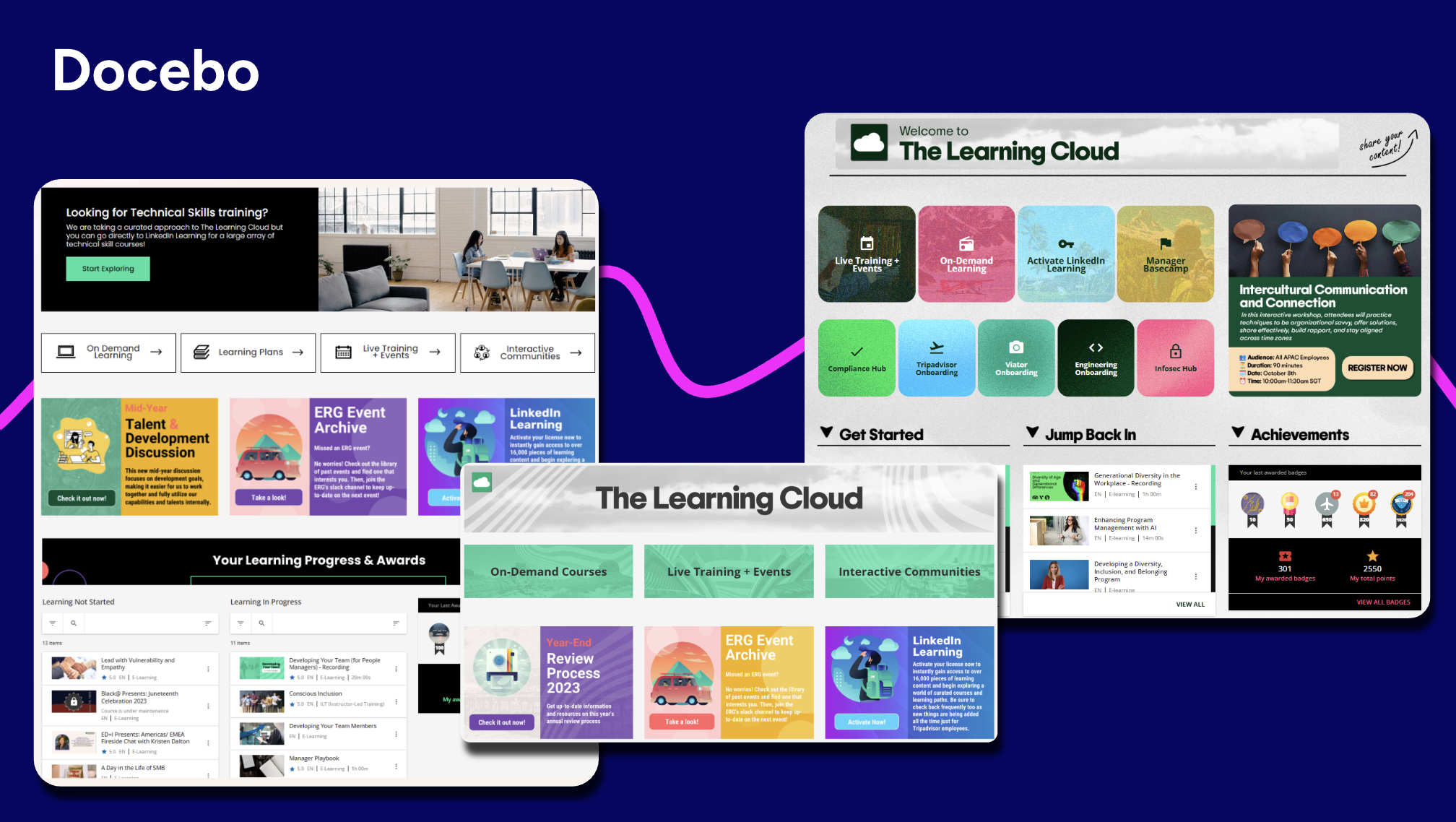
Docebo is an enterprise learning platform for organizations that need to train employees, customers, partners, and members from one system. It combines learning delivery, content management, personalized learning paths, AI, advanced analytics, integrations, and mobile learning. It runs extended enterprise portals so distinct audiences get separate white-label branding, content, and reporting.
Key features
- Extended enterprise controls: nuanced power-user and multi-audience delivery across employees, customers, and partners.
- AI-powered learning: recommendations, AI-assisted authoring, and Docebo Roleplay for scenario practice.
- Learning delivery: certifications, instructor-led training, and personalized learning paths.
- Integrations: broad integrations with HRIS platforms like Workday, BambooHR, and ADP, plus CRM and BI tools.
- Skills Intelligence: Docebo Skills Intelligence (powered by 365Talents), available as a separate add-on, infers and updates workforce skills, then connects gaps to targeted learning so progress is measured by real capability, not just course completions.
What Docebo customers are saying
“Docebo provides a flexible and intuitive platform that supports a wide range of training needs.” (Read full review)
Who should consider Docebo?
Docebo suits enterprises connecting employee, customer, partner, and member learning in one AI-powered platform, especially where governance and audience complexity are high. Setup takes longer than a lightweight LMS, and pricing is custom and quote-based, so compare it on total cost of ownership. In a demo, compare Absorb’s current permission model and branded mobile learning packaging, and confirm integration ownership, content versioning, and multi-course reporting.
2. TalentLMS
What is TalentLMS?
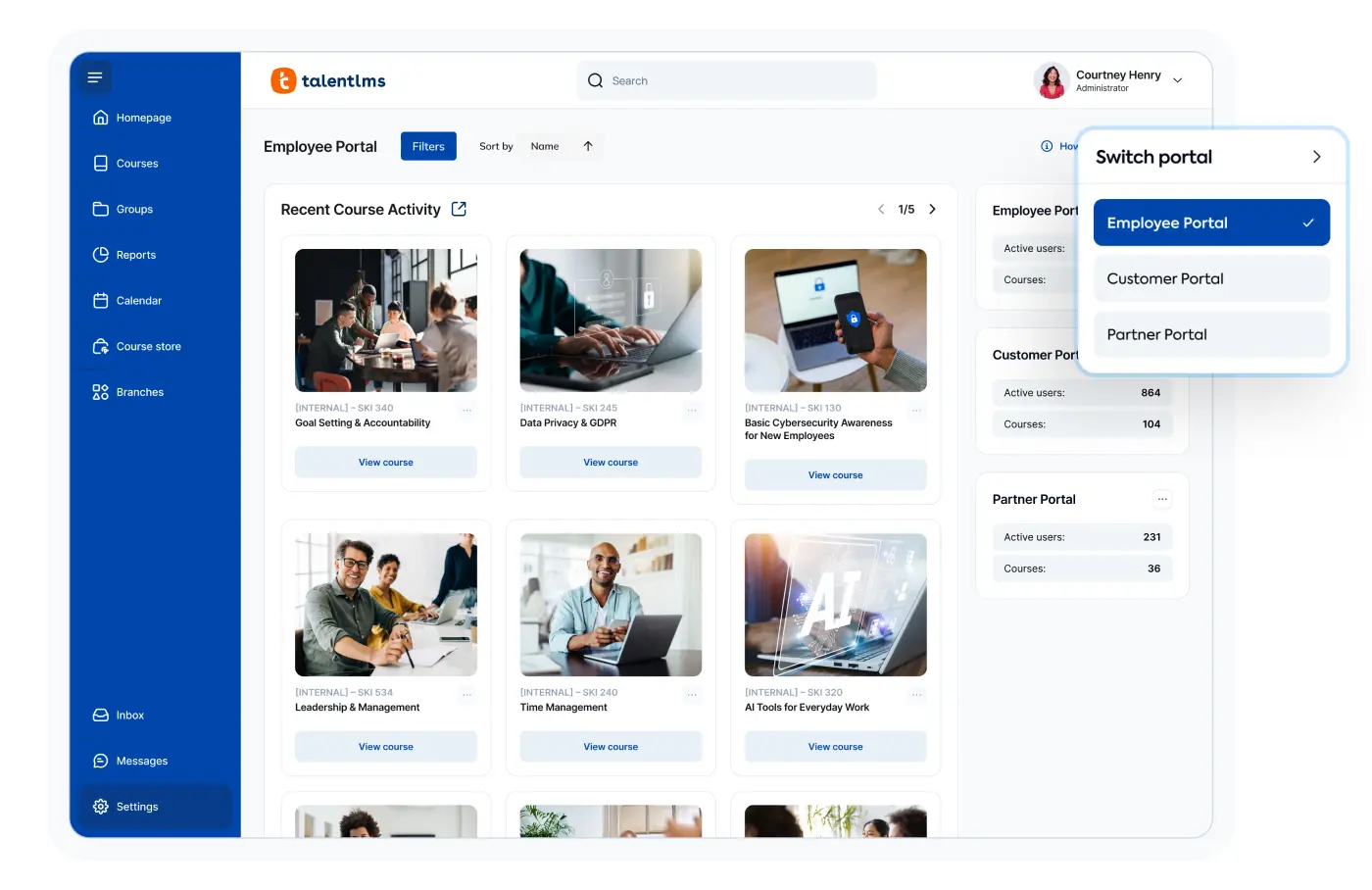
TalentLMS is an approachable learning management system built for small and mid-sized teams that want fast setup. It simplifies course creation, delivery, and management with drag-and-drop authoring, and it supports common content standards, video conferencing, gamification, and integrations with everyday tools.
Key features
- Accessible administration: quick deployment and a low learning curve for admins and learners.
- Standards-based authoring: course creation with SCORM and xAPI support.
- Gamification: points, badges, and leaderboards that lift learner engagement.
- Reporting: dashboards for training effectiveness and learner progress.
What TalentLMS customers are saying
“It is easy-to-use for learners, instructors, and administrators.” (Read full review)
Who should consider TalentLMS?
TalentLMS suits smaller teams that value speed and simplicity over deep governance. Pricing is tiered with user limits, so verify current tiers and user definitions. Growing enterprises may outgrow its multi-audience depth and advanced automation; compared with Docebo, confirm enterprise governance, audience segmentation, SCORM and xAPI behavior, and integration ownership before you scale.
3. Tovuti LMS
What is Tovuti LMS?
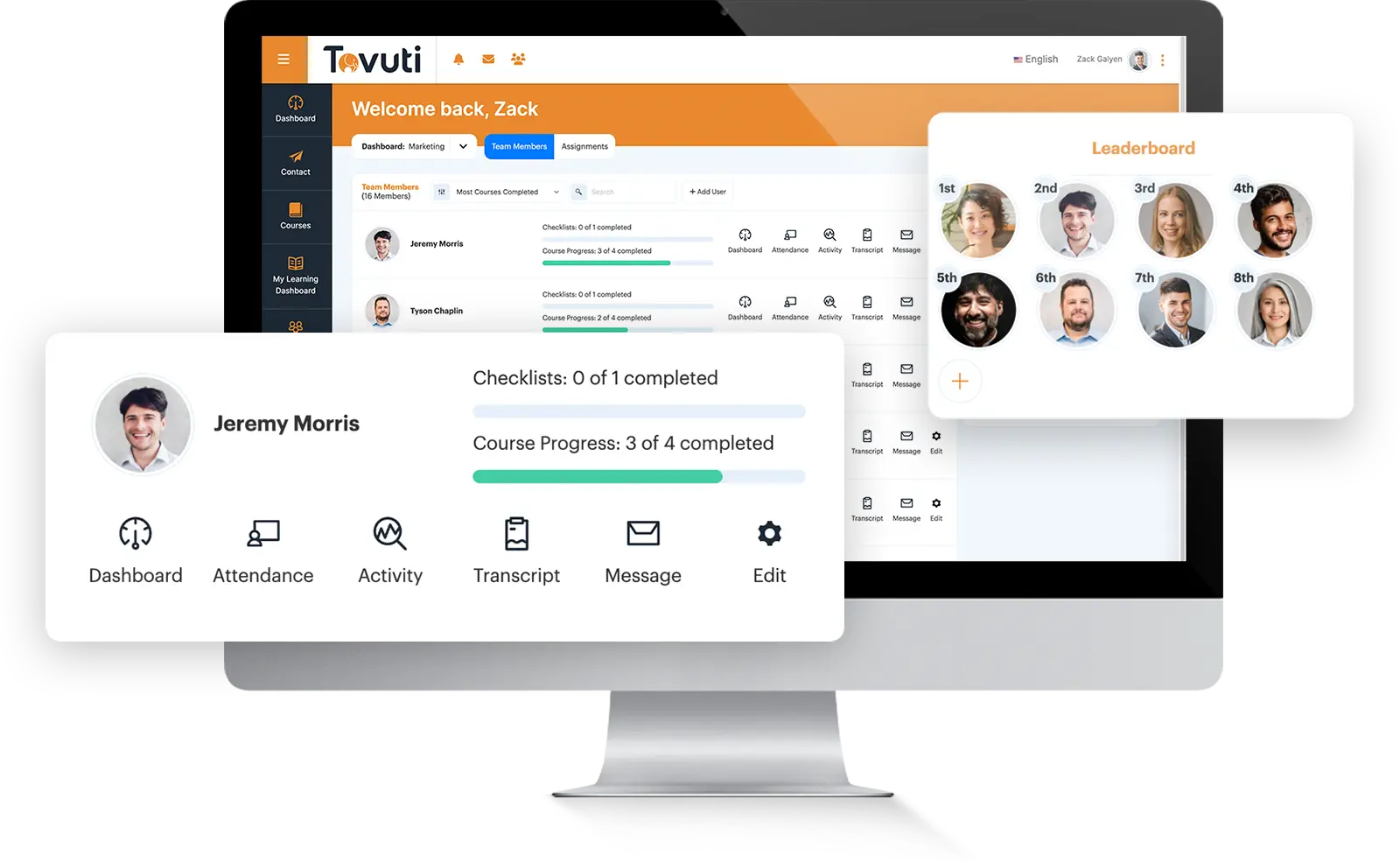
Tovuti LMS is an interactive learning platform for teams that want engaging content, certifications, compliance support, and e-commerce in one place. It offers authoring for interactive courses, certifications, and adaptive learning paths, and it adds enterprise-scale security plus catalog and transaction tools for selling courses.
Key features
- Interactive authoring: rich media, assessments, and adaptive learning paths.
- Certifications: certification and compliance course management.
- E-commerce: catalog, marketplace, and transaction tools for selling courses.
- Security: controls including SSO and data encryption.
What Tovuti LMS customers are saying
“It’s a simplified platform that lets you use your own branding. Customer support is very responsive and there are many forums and educational material to assist the admins.” — Nada A., January 2026 (Read full review)
Who should consider Tovuti LMS?
Tovuti fits teams that want interactive content paired with e-commerce. Pricing is quote-based. For large enterprises, validate global governance and reporting depth; compared with Docebo, confirm current e-commerce features, implementation scope, and enterprise administration in a demo.
4. LearnUpon
What is LearnUpon?
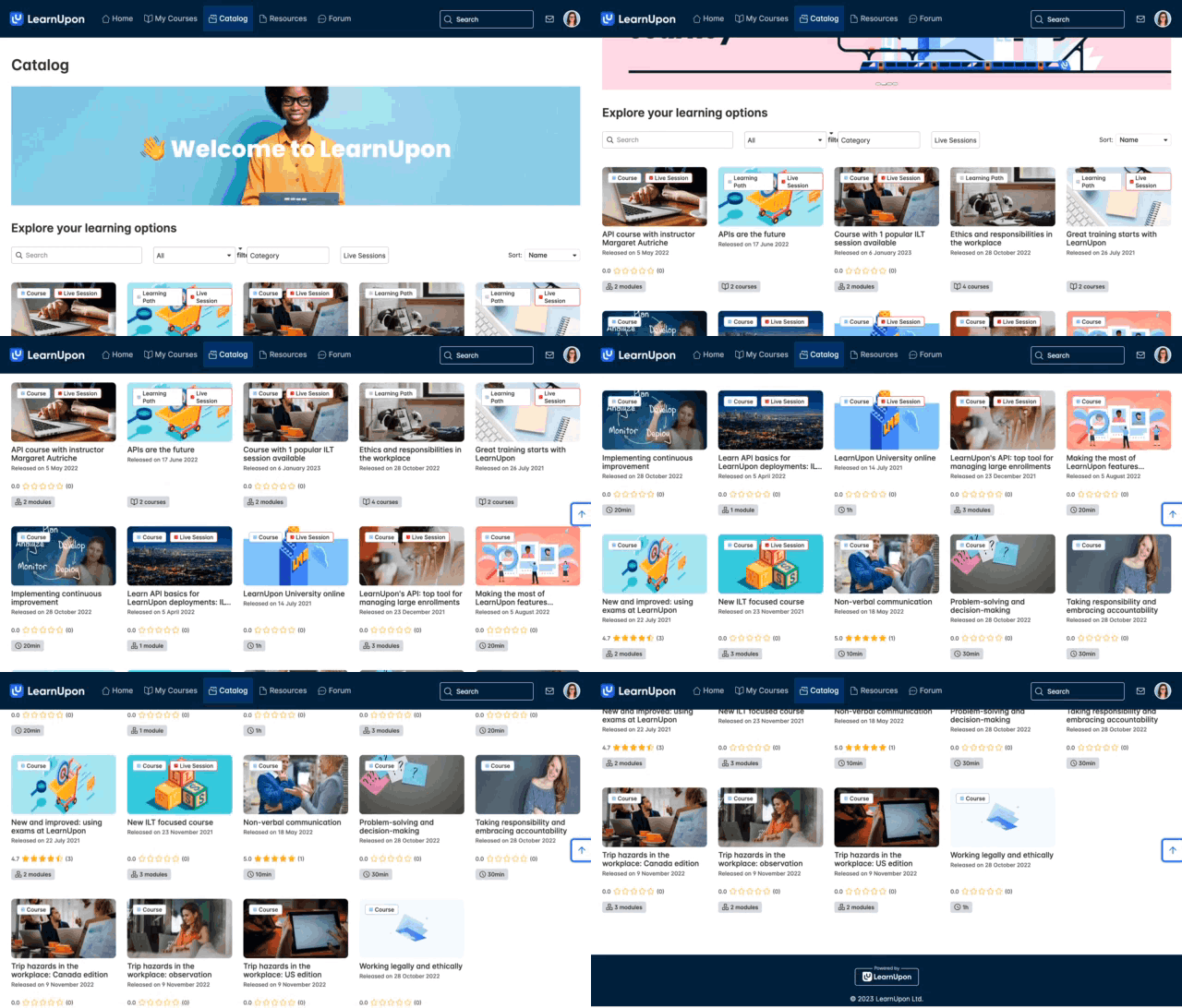
LearnUpon is a cloud-based LMS for delivering training to employees, customers, and partners through branded portals. It supports instructor-led training, social learning, reporting, and e-commerce, and it lets administrators tailor separate portals for each audience.
Key features
- Branded portals: separate, branded learning experiences for each audience.
- Instructor-led training: ILT scheduling plus certification management.
- Social learning: forums, messaging, and knowledge sharing among learners.
- Monetization: reporting and e-commerce for selling courses.
What LearnUpon customers are saying
“Super intuitive user interface for both the learner and the administrator.” (Read full review)
Who should consider LearnUpon?
LearnUpon fits organizations delivering multi-audience training through branded portals. Pricing is quote-based. Validate enterprise scale and audience depth, and ask for references using complex automation in production; compared with Docebo, confirm complex automation and enrollment workflows, integration ownership, CRM data flow, and reporting across audiences.
5. 360Learning
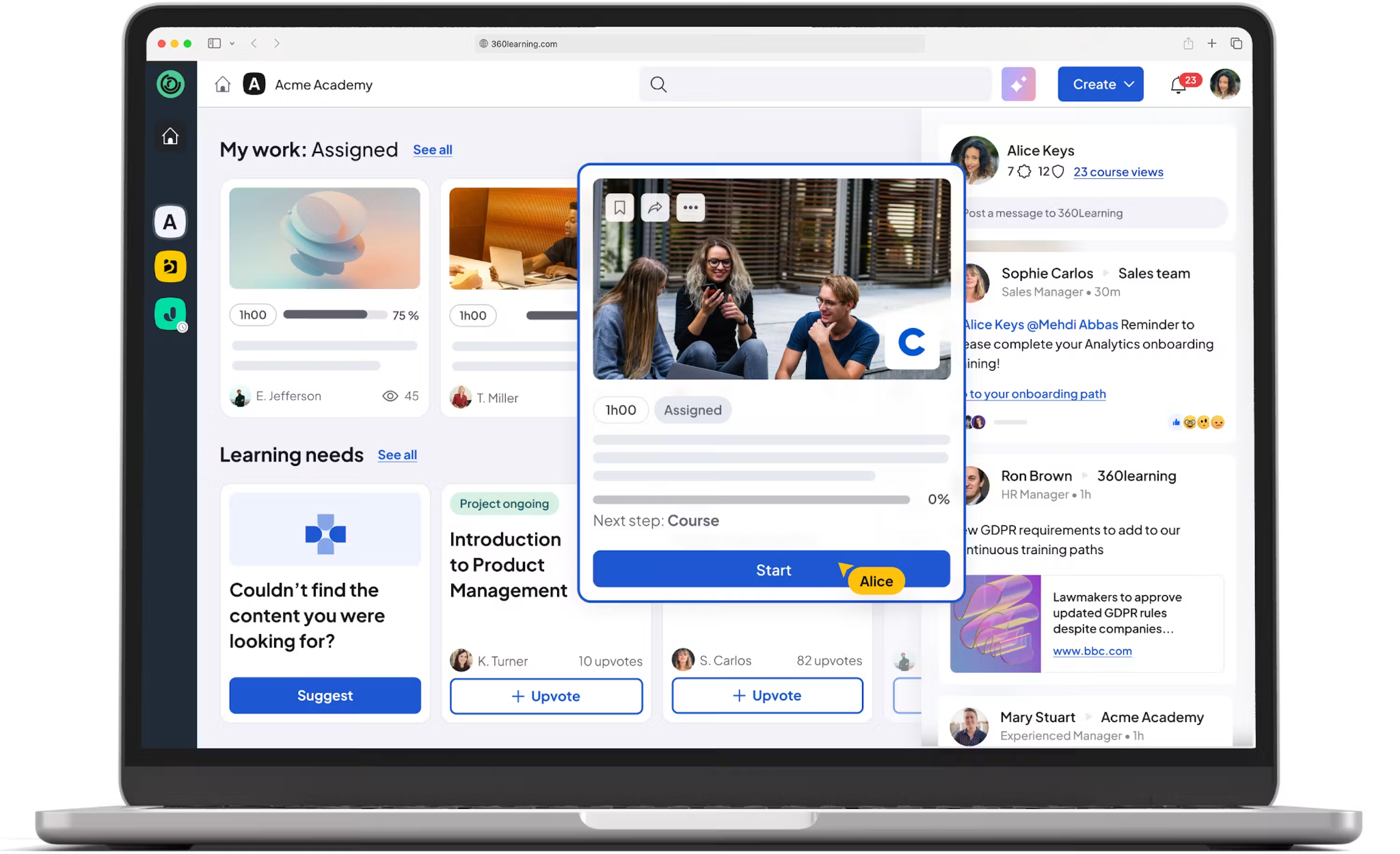
What is 360Learning?
360Learning is a collaborative LMS that turns internal experts into contributors through co-authoring. It adds AI assistance, mandatory training management, frontline access, and instructor-led training so teams can build and share knowledge quickly.
Key features
- Collaborative authoring: co-authoring with subject-matter experts.
- AI assistance: support for faster content creation.
- Integrations: human capital management (HCM), HRIS, and CRM connections.
- Reporting: visibility across training programs.
What 360Learning customers are saying
“I really appreciate the 360Learning platform for its ease of use, both for module creators and learners.” (Read full review)
Who should consider 360Learning?
360Learning fits organizations that need collaborative, expert-led authoring and rapid subject-matter-expert contribution. Pricing is quote-based. Validate customization, reporting, and e-commerce needs, and confirm which integrations are native, marketplace, API, or partner-maintained; compared with Docebo, confirm governance and content review workflows and reporting depth.
6. Moodle
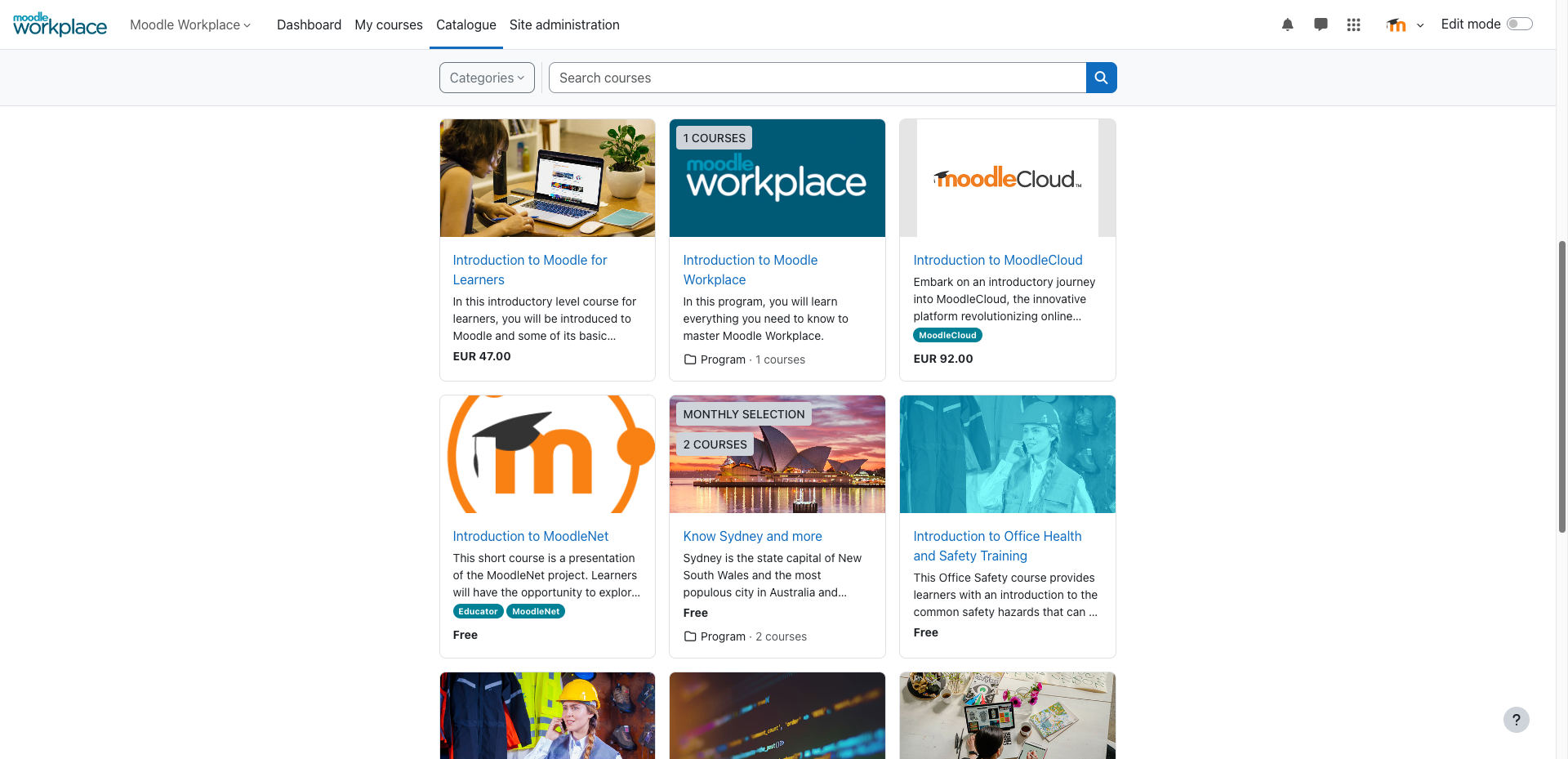
What is Moodle?
Moodle is an open-source LMS with deep customization and a large plugin ecosystem, popular with education organizations and technically resourced teams. It supports standards like SCORM and Learning Tools Interoperability (LTI) and integrates with student information systems.
Key features
- Open-source core: extensibility and deep customization you control.
- Plugin ecosystem: a large library of community and commercial plugins.
- Standards support: SCORM and LTI compatibility.
- Administration: multilingual capability and detailed reporting.
What Moodle customers are saying
“I like that you can build pretty much any course in Moodle. There are a lot of plugins and settings, so you can set it up the way you want.” (Read full review)
Who should consider Moodle?
Moodle fits teams with technical resources that want open-source control. It is free to license, but total cost of ownership includes hosting, maintenance, and development, so budget for the ownership burden. Compared with Docebo, weigh hosting and security ownership, plugin maintenance, and standards and reporting depth.
7. Cornerstone
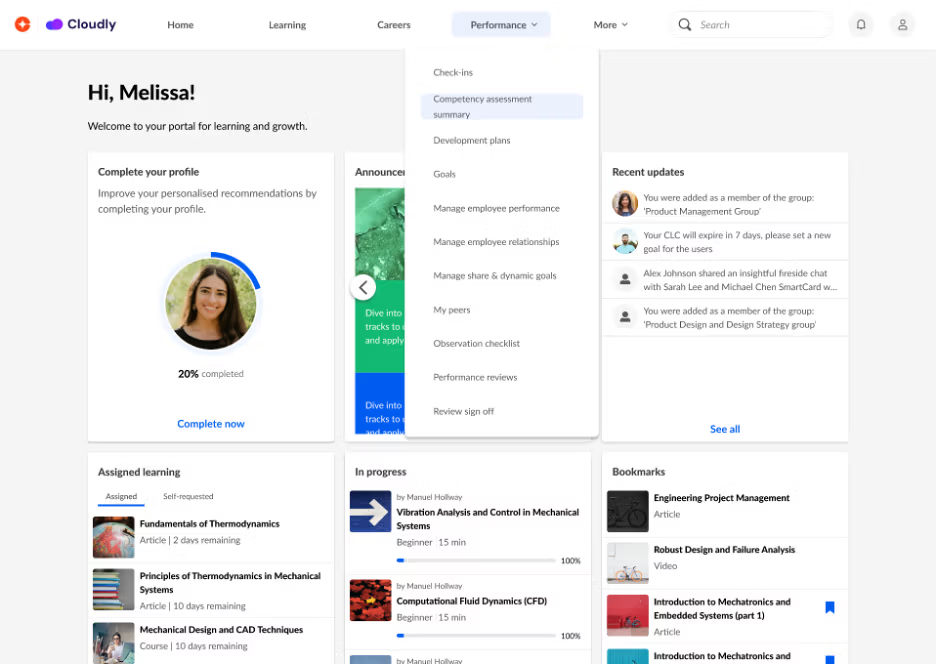
What is Cornerstone?
Cornerstone Learning is an enterprise LMS that delivers, manages, and tracks training at scale with strong compliance tooling, sitting inside a broader talent suite. It adds content subscriptions, SSO, mobile learning, and instructor-led training.
Key features
- Compliance at scale: compliance tracking and course management for regulated programs.
- Content subscriptions: access to a broad content library.
- Access and mobility: SSO and mobile learning.
- Reporting: real-time reporting and insights.
What Cornerstone customers are saying
“…user friendly without much training at all our end users can figure out how to do what they need without much help from the admins.” (Read full review)
Who should consider Cornerstone?
Cornerstone fits medium to large organizations that prioritize compliance-grade learning alongside a broader talent suite that can extend to performance reviews and leadership development. Pricing is quote-based and often module-dependent. Validate product complexity, implementation, and user experience, and ask whether it’s one coherent administrator experience or a set of connected products; compared with Docebo, confirm which modules you need and the reporting and compliance workflows.
8. Continu
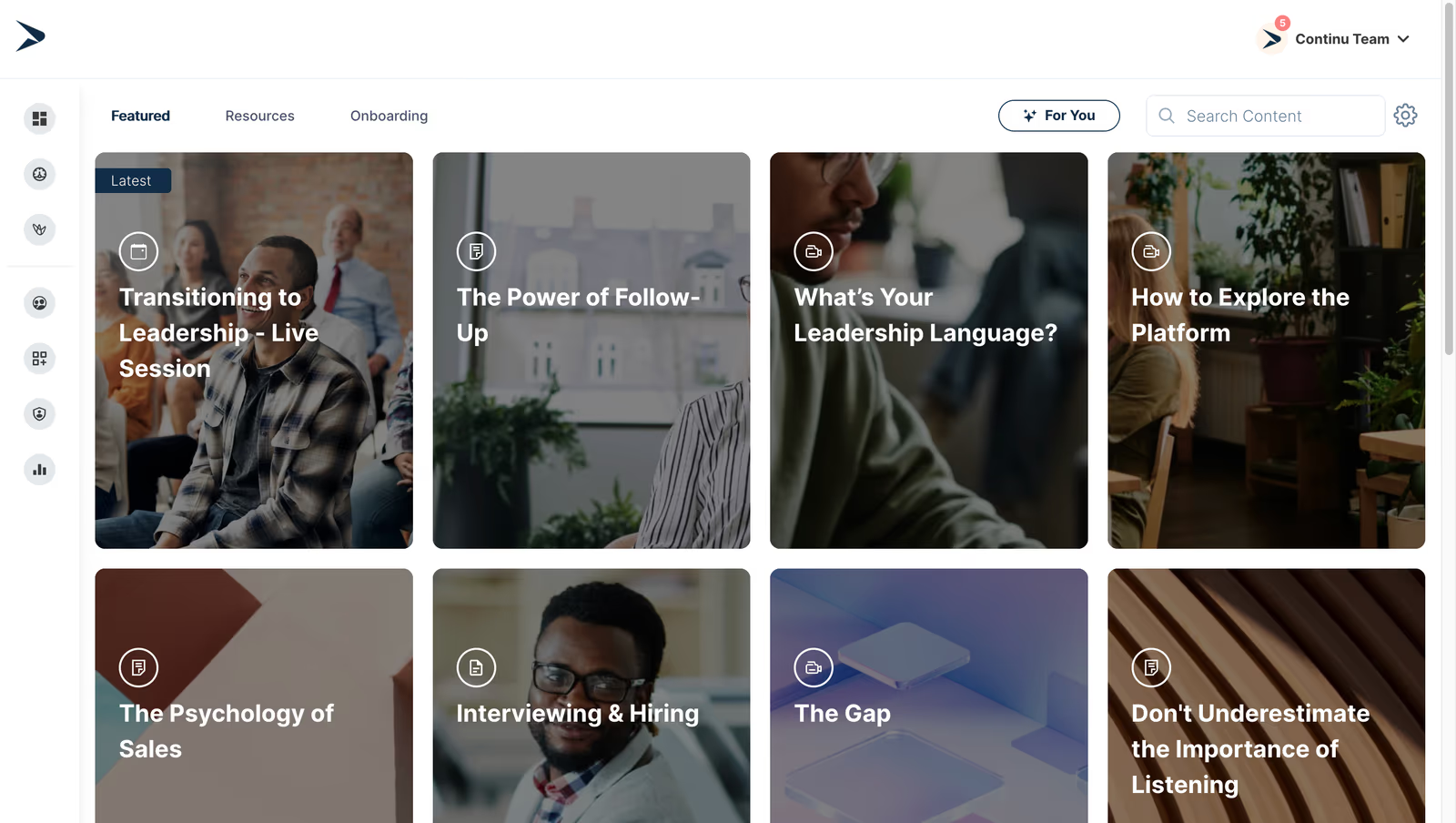
What is Continu?
Continu is a workplace-connected LMS built for adoption, with blended learning, social learning, and quick authoring. It connects to workplace tools like Slack and Microsoft Teams and automates routine training so learning meets people in the flow of work.
Key features
- Fast authoring: quick content creation and blended learning.
- Smart Segmentation: targeted delivery by audience or attribute.
- Workplace integrations: Slack and Microsoft Teams connections.
- Automation: workflow automation for onboarding and compliance.
What Continu customers are saying
“Implementation is straightforward, and integrations with other tools work well without much manual effort.” (Read full review)
Who should consider Continu?
Continu fits teams that want workplace-connected learning, fast content creation, and workflow automation. Pricing is quote-based. Validate enterprise administration and reporting depth for complex governance needs; compared with Docebo, confirm governance controls, analytics depth, and integration ownership for workplace tools.
9. iSpring Learn
What is iSpring Learn?
iSpring Learn is a straightforward LMS paired with authoring through the iSpring Suite and PowerPoint, ideal for teams with a familiar slide-based content workflow. It supports video lessons, assignments, automated notifications, and reporting.
Key features
- PowerPoint-connected authoring: course creation through the iSpring Suite.
- Rich media: video and screencast support.
- Assignments: automated notifications and reminders.
- Onboarding and reporting: tools to run programs and measure progress.
What iSpring Learn customers are saying
“You can upload courses, assign training, track completion, and generate reports without needing technical knowledge.”(Read full review)
Who should consider iSpring Learn?
iSpring Learn fits teams that author primarily from PowerPoint. Pricing is quote-based. Validate complex audience, skills, and extended-enterprise needs and enterprise scaling; compared with Docebo, confirm multi-audience support, standards support and content portability, and integration ownership with HRIS platforms for onboarding and performance reviews.
10. Seismic Learning
What is Seismic Learning?
Seismic Learning is a coaching and readiness platform that accelerates learning for frontline and sales teams through role-play and video practice. It adds readiness scorecards, coaching plans, and manager insight dashboards rather than serving as a full enterprise LMS.
Key features
- Readiness scorecards: measure preparedness for sales teams.
- Practice: role-play and video practice for real scenarios.
- Coaching: data-driven coaching plans.
- Manager visibility: insight dashboards for team performance.
What iSpring Learn customers are saying
“The platform also excels in supporting the development of timely, relevant learning experiences tailored specifically for sales teams.” (Read full review)
Who should consider Seismic Learning?
Seismic Learning fits sales and customer-facing teams that need coaching, practice, and readiness visibility, not a full LMS. Pricing is quote-based. Confirm how it complements rather than replaces a core LMS; compared with Docebo, scope readiness and coaching workflows, analytics and manager visibility, and where it sits alongside your core learning platform.
Which Absorb alternative is right for your team?
The right choice among these Absorb LMS alternatives isn’t the platform with the longest feature list. It’s the one that best matches your audiences, operating model, content strategy, governance requirements, and budget. Use this cheatsheet to narrow the field.
| If your priority is | Your platform is | Here’s why |
|---|---|---|
| Enterprise learning across employees, customers, partners, and members | Docebo | One AI-powered platform with extended enterprise portals, granular permissions, and reporting by audience. |
| Multi-audience training through branded portals | LearnUpon | Branded portals, instructor-led training, and certification management for employees, customers, and partners. |
| Fast setup and approachable administration | TalentLMS | Drag-and-drop authoring and quick deployment for small and mid-sized teams. |
| Workplace-connected learning and automation | Continu | Blended learning, Smart Segmentation, and Slack and Microsoft Teams integrations in the flow of work. |
| Collaborative subject-matter-expert authoring | 360Learning | Co-authoring and collaborative learning that turn internal experts into contributors. |
| Open-source control | Moodle | Extensibility, a large plugin ecosystem, and standards support that you host and maintain. |
| Broad compliance and talent-suite coverage | Cornerstone | Compliance tracking, content subscriptions, and a broader talent suite at scale. |
| PowerPoint-led content creation | iSpring Learn | Authoring through the iSpring Suite and PowerPoint with a familiar workflow. |
| Sales coaching and readiness | Seismic Learning | Readiness scorecards, role-play, and manager insights for customer-facing teams. |
| Interactive learning with e-commerce | Tovuti LMS | Interactive authoring, certifications, and catalog and transaction tools for selling courses. |
Docebo is the strategic choice for organizations that need one enterprise LMS for everything. That means AI-powered learning, extended enterprise, personalized experiences, content management, reporting, and integrations in a single platform.
Take a Docebo product tour or book a demo to see how it fits your team.
FAQs about Absorb LMS alternatives
What is the best alternative to Absorb LMS?
There’s no single universal winner; the best fit depends on your use case. Docebo suits organizations that need enterprise learning, extended enterprise, AI-powered learning, personalization, integrations, and reporting. TalentLMS, Continu, 360Learning, LearnUpon, Cornerstone, Moodle, iSpring Learn, Tovuti, or Seismic Learning may fit better for specific needs.
How much does Absorb LMS cost compared with alternatives?
Pricing is often quote-based across these platforms. Compare user definitions, implementation, content, integrations, services, support, and overages rather than the subscription price alone. Ask what counts as an active user and what costs apply when usage changes.
Do these Absorb LMS alternatives support SCORM, xAPI, and AICC?
Support varies by platform, so confirm it individually. Verify import, tracking, reporting, and export behavior separately for each standard. Don’t treat general e-learning compatibility as proof of support for every standard.
Which Absorb LMS alternatives support customer and partner training?
Compare extended enterprise, branded portals, audience-specific catalogs, eCommerce, permissions, reporting, and CRM integrations. Docebo and LearnUpon are strong options for multi-audience training. Some tools are specialist customer-education platforms rather than full enterprise systems, so label them clearly.
Which Absorb alternative is best for AI-powered learning?
Separate AI recommendations, AI search, generative authoring, AI tutors or role-play, skills mapping, and analytics. “Has AI” isn’t a sufficient comparison. Ask whether AI features require credits and whether generated content can be reviewed, edited, and exported.
What is the best enterprise LMS alternative to TalentLMS or 360Learning?
Docebo is worth evaluating when you have outgrown a mid-market or collaboration-first tool. It offers enterprise architecture, administration, reporting, AI-powered learning, multi-audience delivery, and integrations in one platform.