


Docebo MCP Server
Your learning, inside the AI your team already uses
Ask questions and find training directly in Claude, ChatGPT, Microsoft Copilot, or Gemini. No LMS login needed.
Trusted by global brands building workforces that last.














Docebo, wherever your team works
Connect Docebo to the AI assistants your learners and admins already use. Ask questions, take action, and keep moving without leaving the tools you work in every day. Learning that fits into your workflow, not the other way around.
Your AI assistant, now built for workforce readiness.
Complete admin tasks in your flow of work
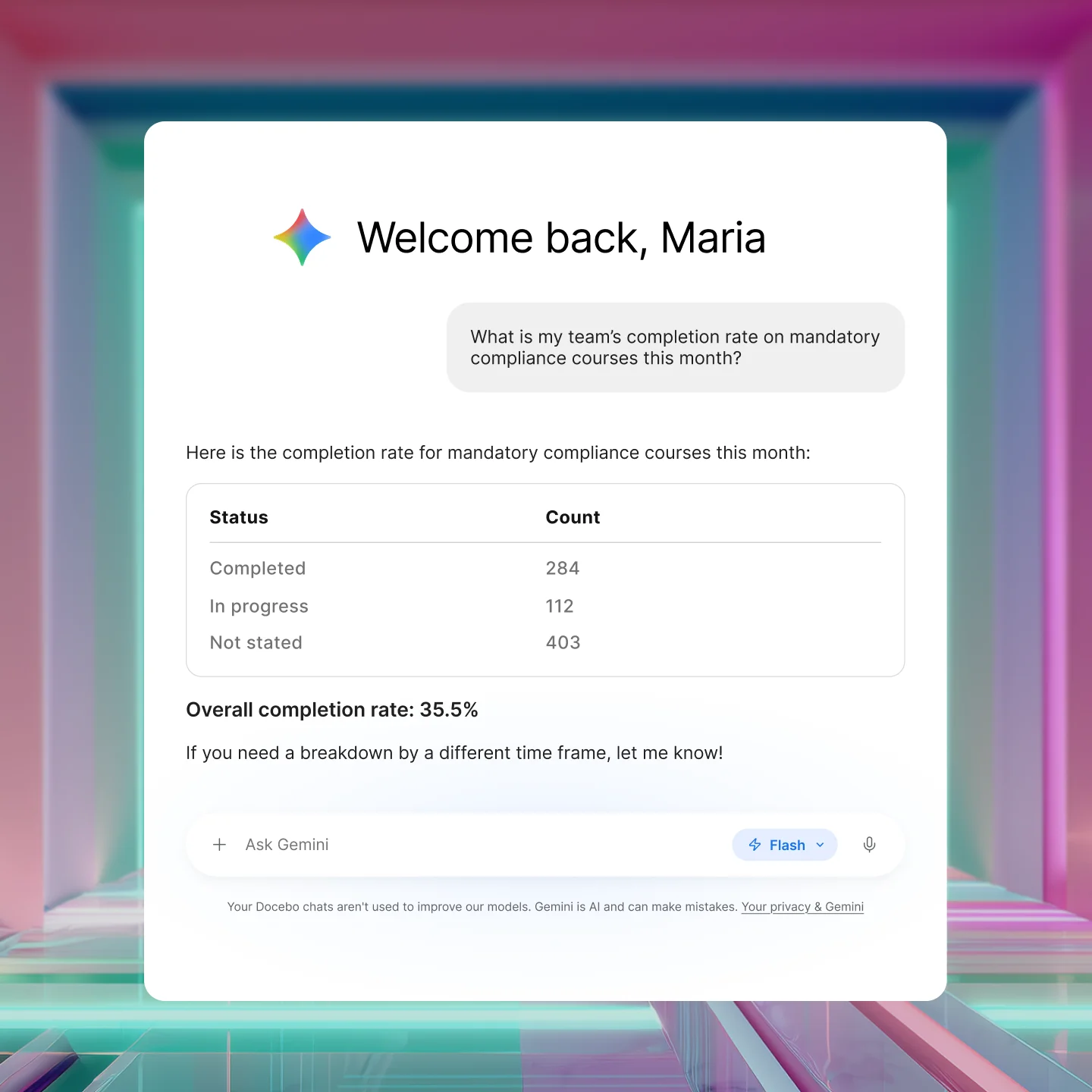
Managers can update courses, manage enrollments, and pull analytics directly from their AI assistant.
Your learning library, where your team already works

Stop losing learners to context switching. Learners get answers from Docebo without leaving Claude, ChatGPT, Gemini or Microsoft Copilot. The training they need surfaces exactly where they’re already working.
Relevant to each user, every time
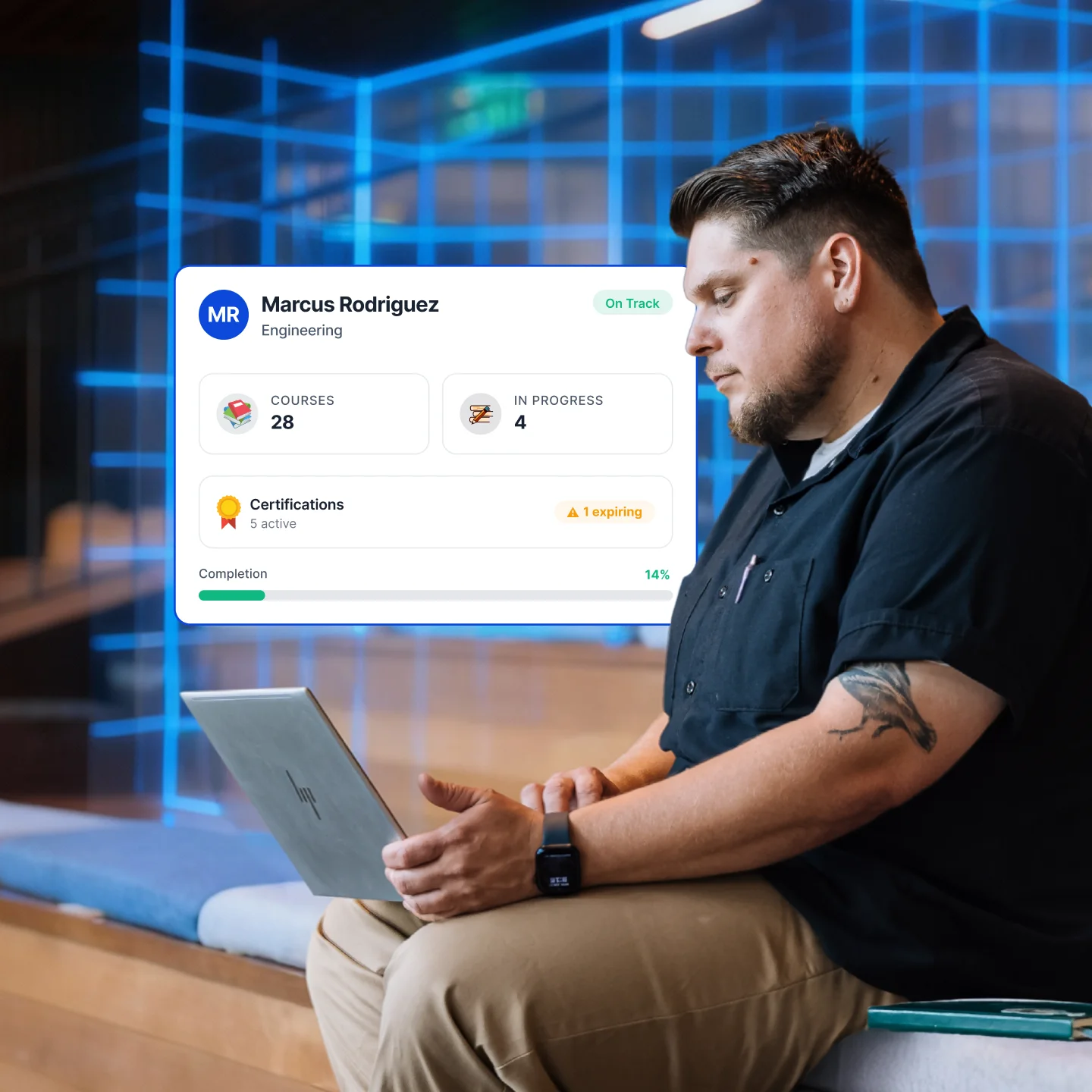
Answers are grounded in your Docebo content library and scoped to each user’s permissions. The result is learning that fits automatically, without anyone having to configure it.
Live in minutes, not months
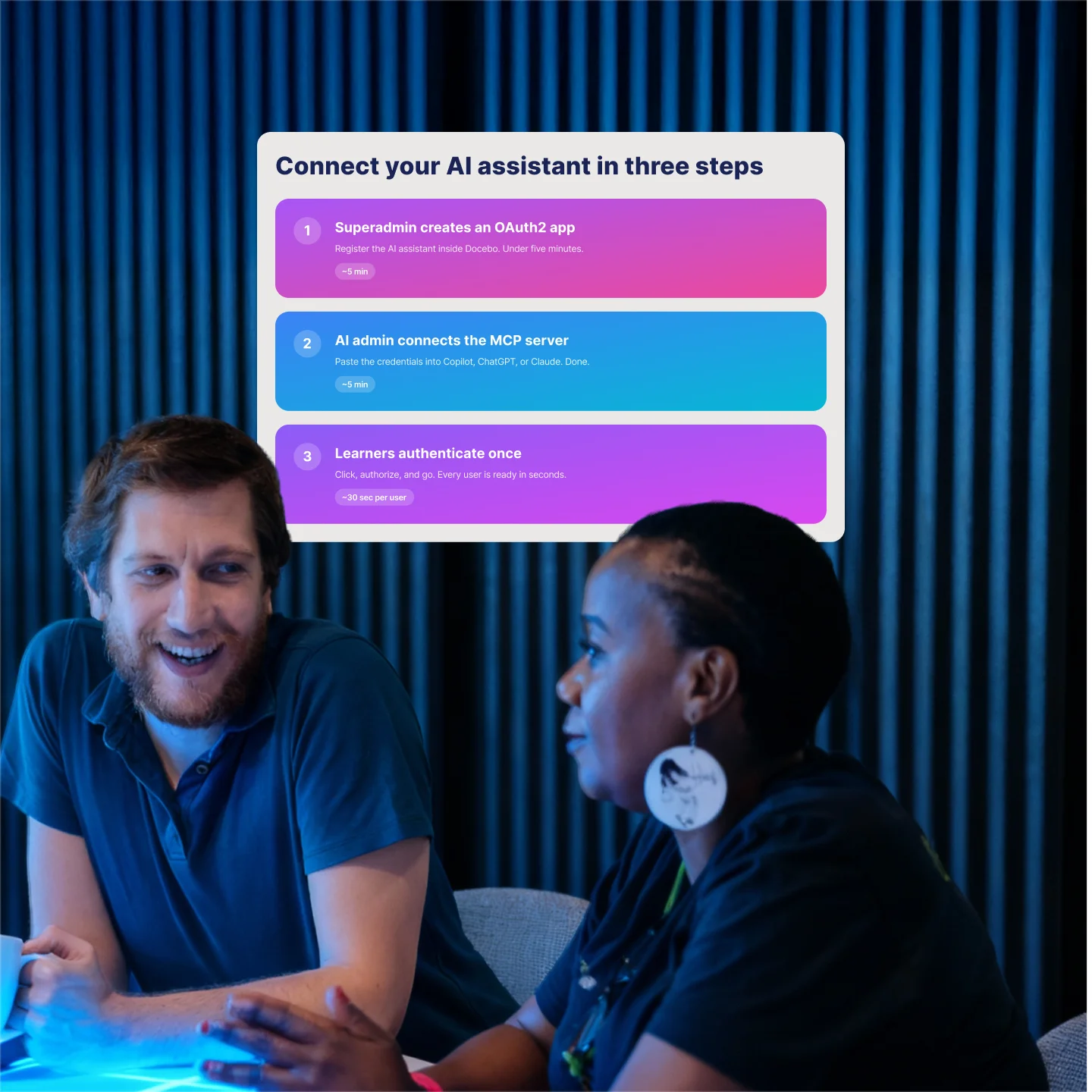
IT connects Docebo via OAuth once. After that, your whole organization is ready. No ongoing maintenance or new tools to manage.
What you can ask today
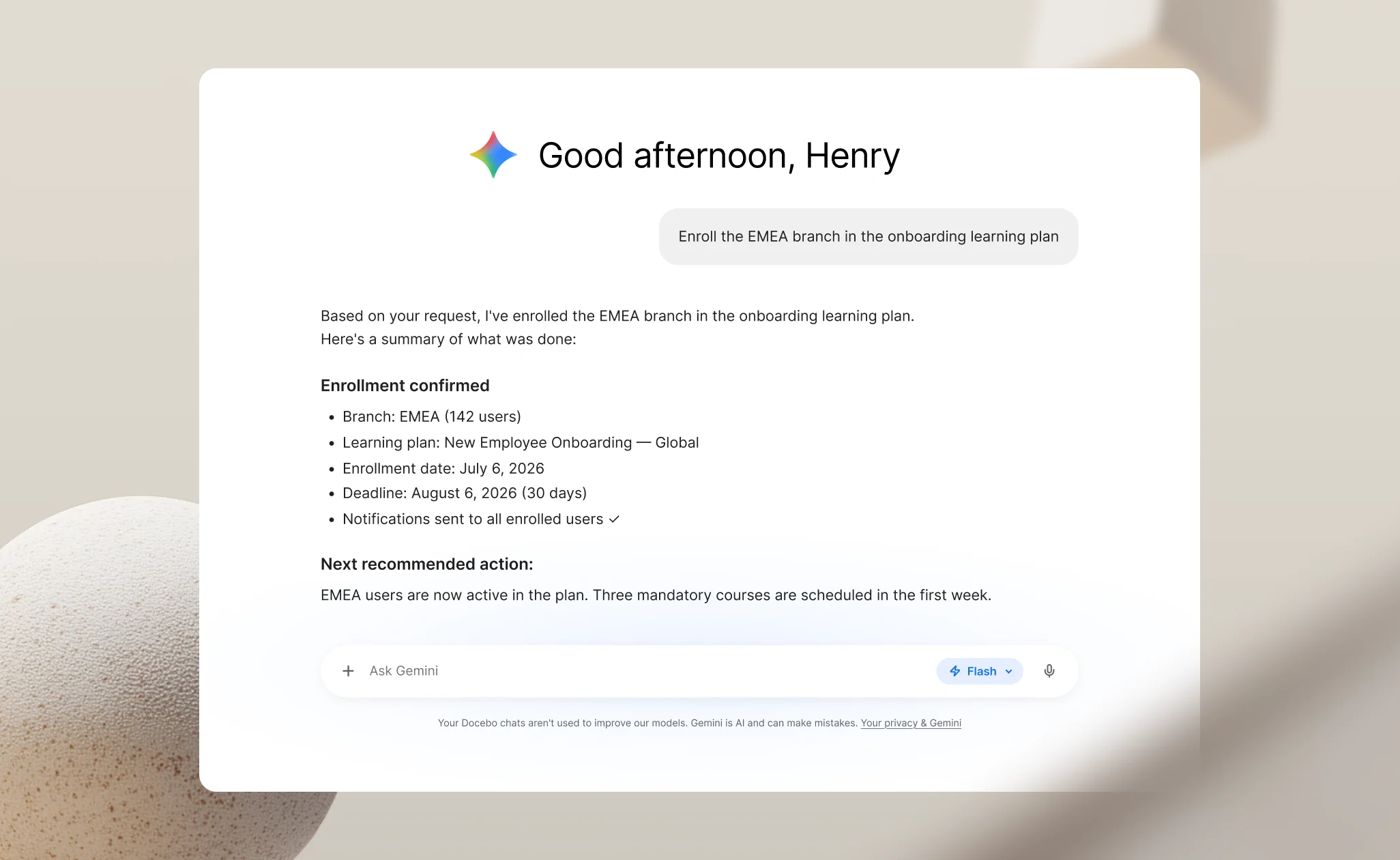
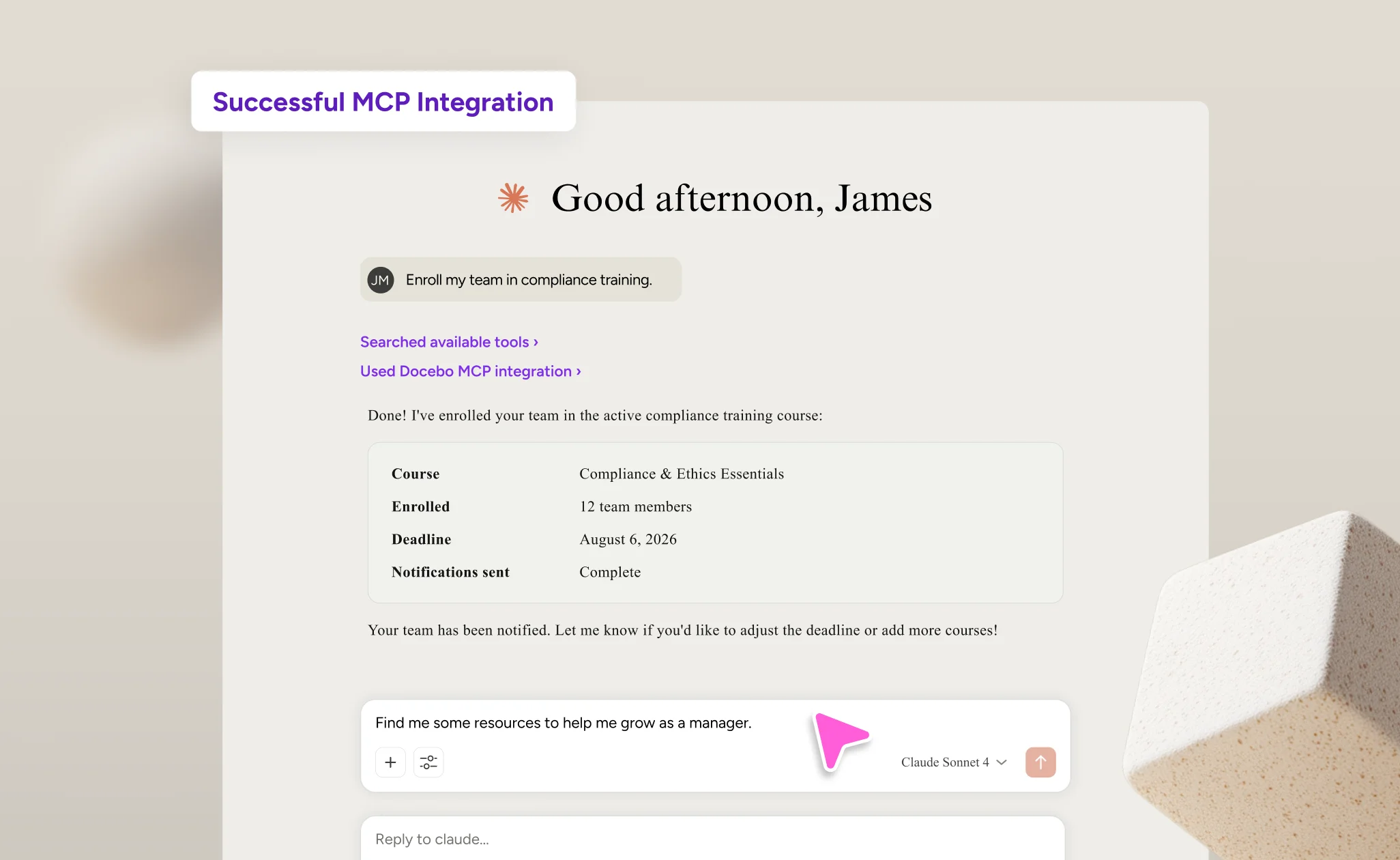
Manage enrollments
Enroll individuals or bulk groups, check course completion statuses, and remove or archive enrollments without navigating user profiles.
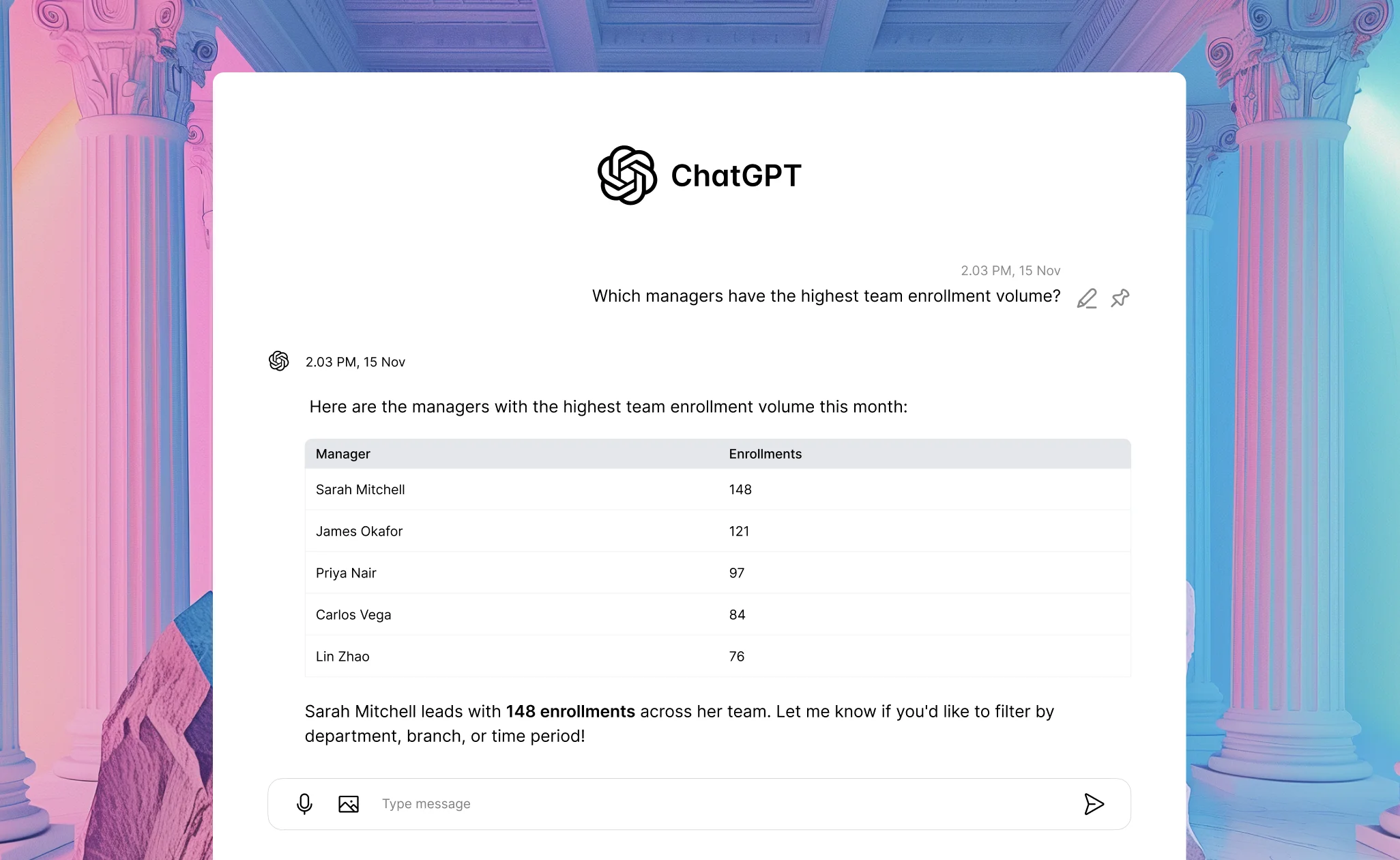
Get instant answers from learning data
Ask about completions, time spent, or enrollment trends. Get answers instantly — no dashboard, no data team required.
Curate third party content
Search and compare third party content, import with one command, and flag retiring courses with suggested replacements.
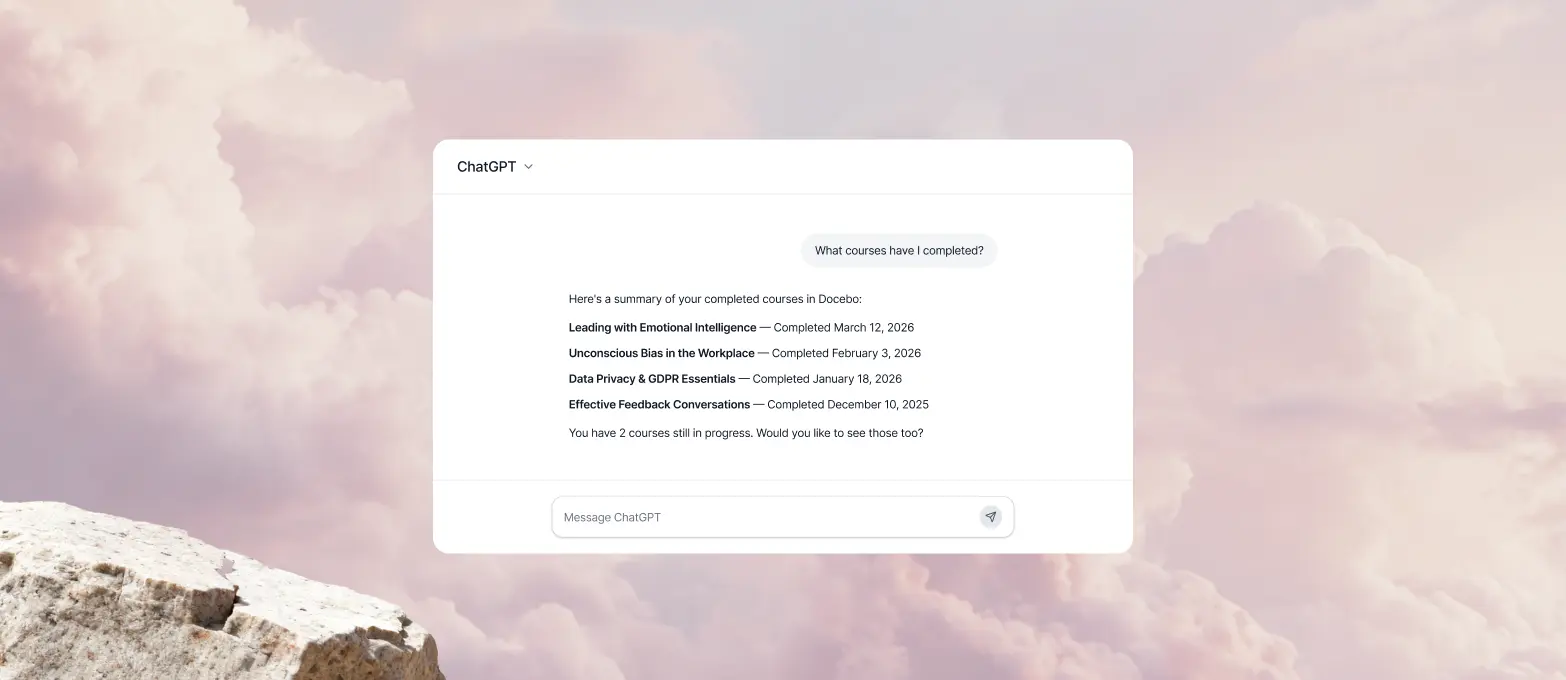
Check learning progress
See your current enrollments, completion status, upcoming deadlines, and course progress at a glance.
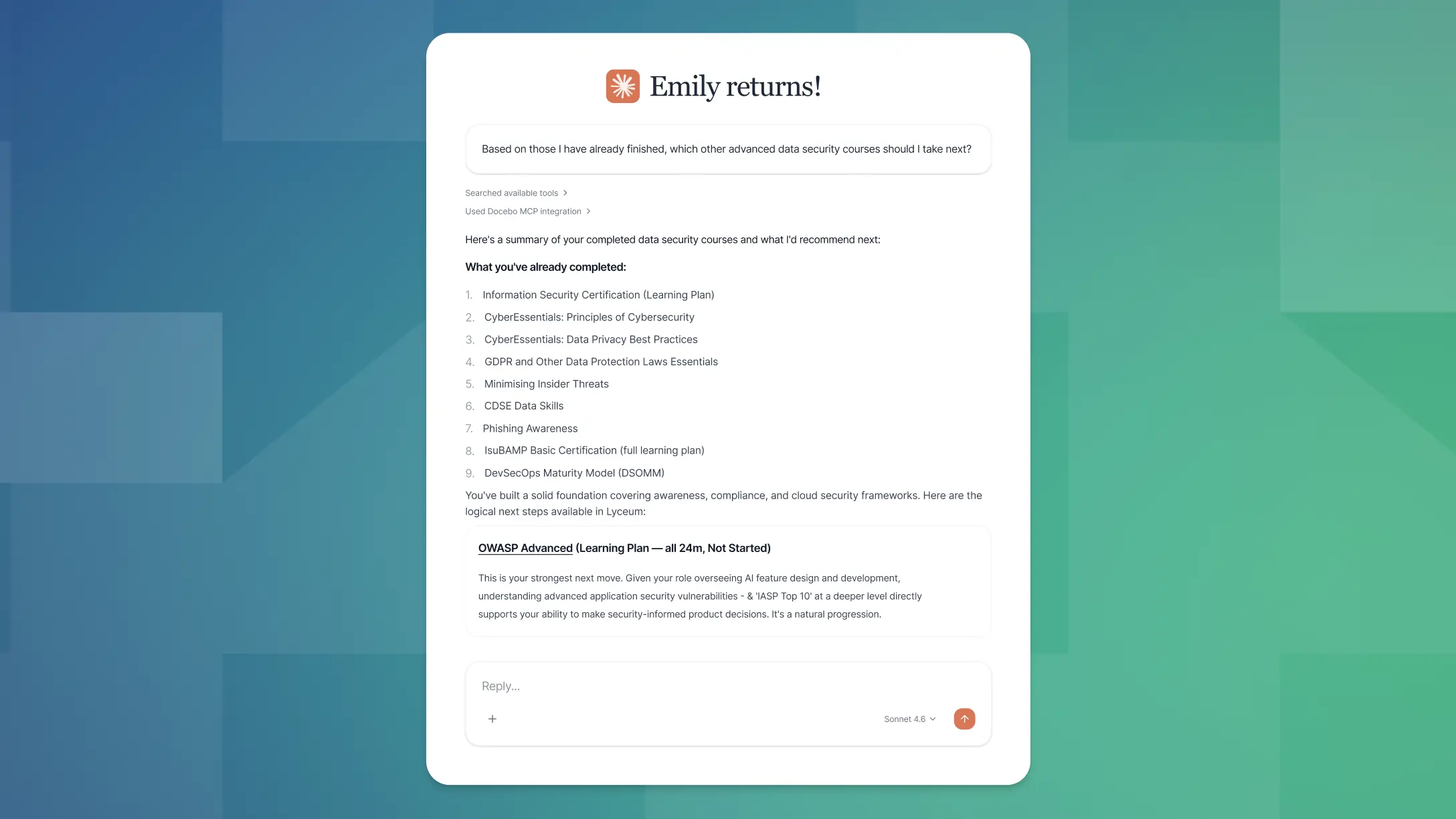
Track certifications
Retrieve awarded certifications, issue dates, and expiration or renewal deadlines before they sneak up on you.



Michael Yan
Curriculum Developer, Brooks Automation
“Our journey with Docebo has been transformative. The platform is easy to use, with powerful customization options.”
-30%
Ramp time



Chris Van Reusen
Sr. Director of Customer Education, Wrike
“We built a risk-free environment so users feel the freedom to try things. It allows them to do the best work that they can.”
+300%
Conversion rates


Global Manager of Customer Enablement
Zoom
“We built the Learning Center to empower our customers to achieve anything imaginable on Zoom.”
2,000,000
Learners


Cheney Dent
Senior Learning Platform Specialist, Booking.com
“The amount of customization that you can do within the platform is endless.”
-80%
Time spent on administration



Marta Nelson
Sr. Manager of Training and Enablement, Cloudbeds
“Docebo’s design and flexibility allow you to build a learning experience that puts what’s important to you and your customers front and center. It makes the learning experience very intuitive.”
-10%
Customer churn
Security and integrations
Stay stable, secure, and compliant




If it matters to your team, it works with Docebo


Related products
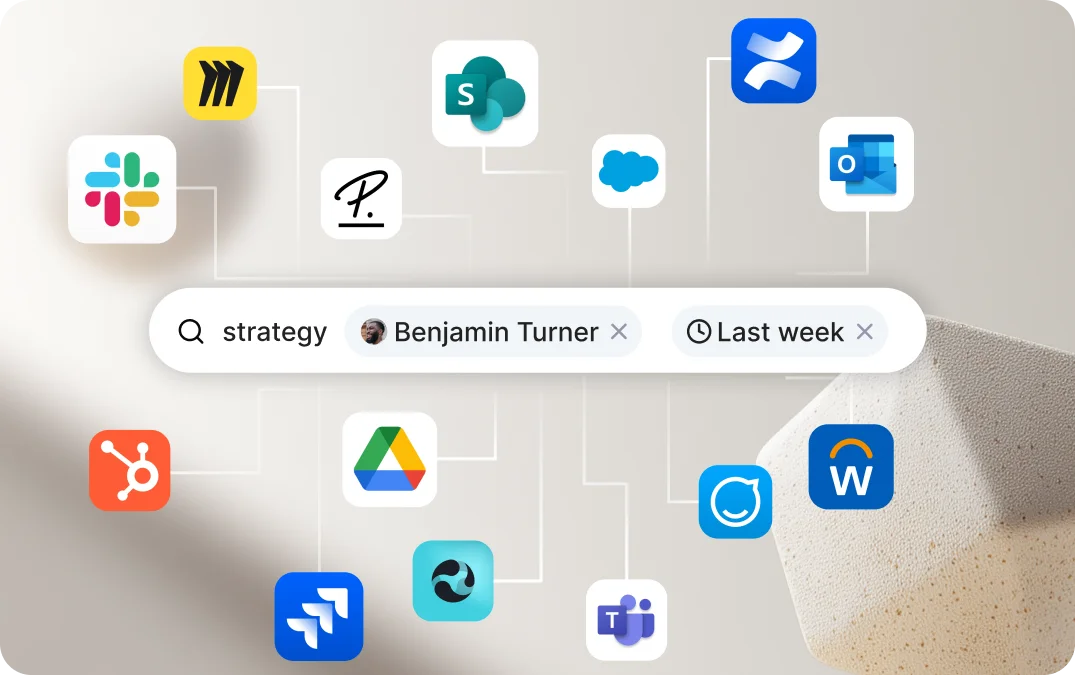
Enterprise Knowledge
Ask once. Get answers from everywhere.
Search across Docebo, SharePoint, Confluence, Drive, Slack, and 25+ other places your org stores knowledge.
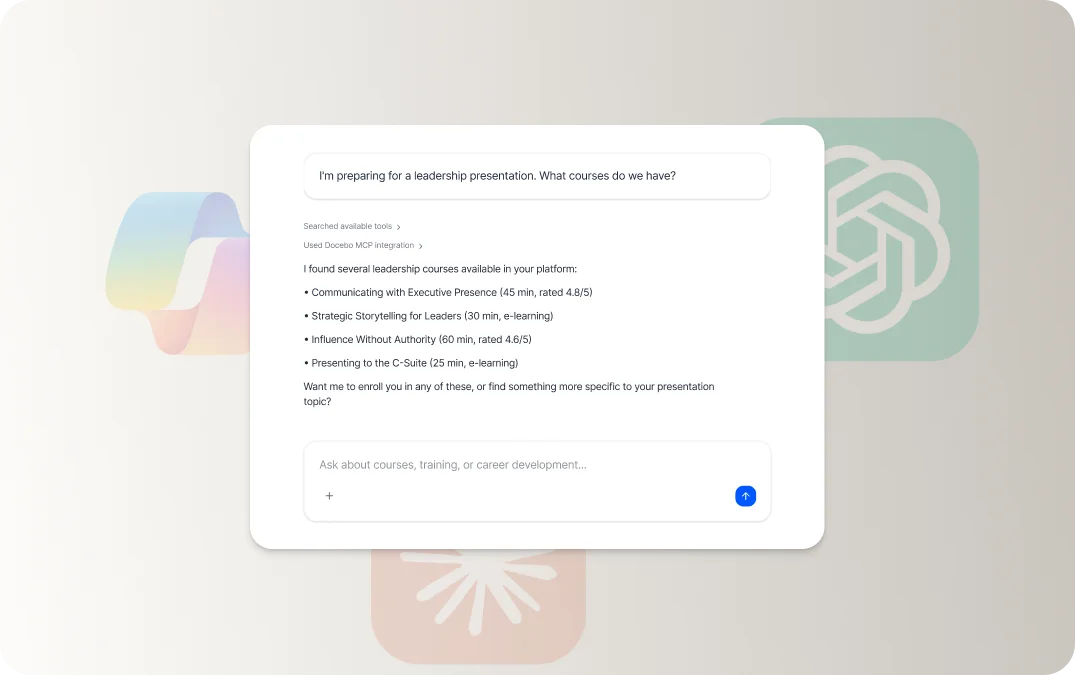
Agenthub
Agents that do the heavy lifting for you.
They read your docs, build the course, draft the assessment, and launch the campaign—on top of your existing knowledge.
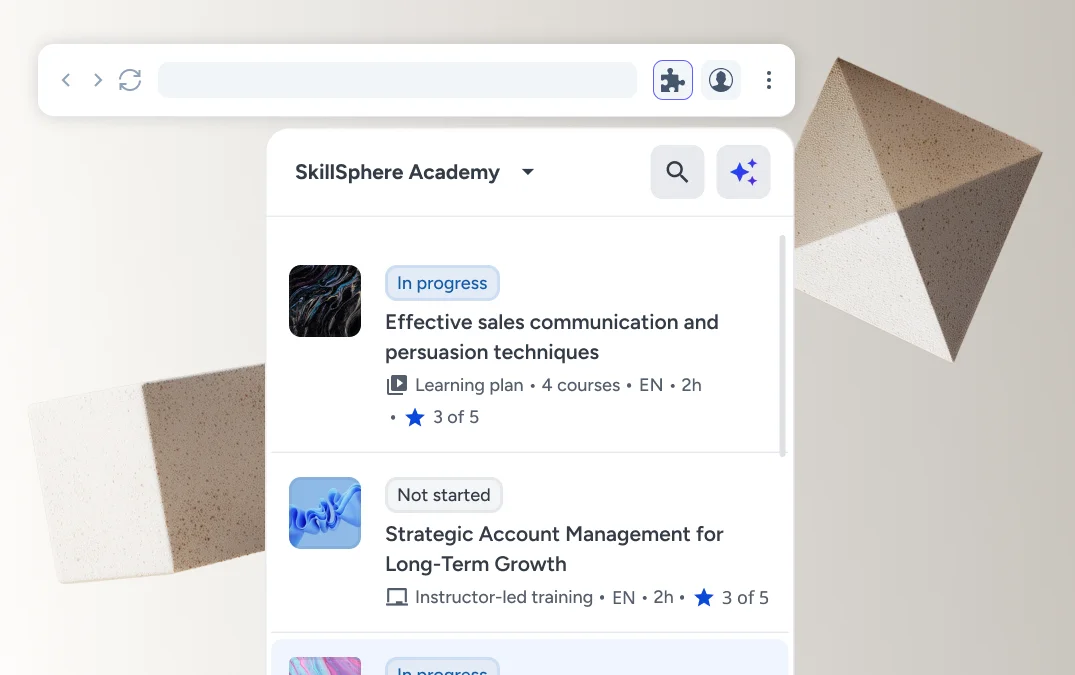
Companion
Learning where your people already work.
A browser extension that surfaces the right content in the right context. No tab-switching, no searching, no extra clicks.

Frequently asked questions
Docebo MCP Server is an integration that connects your LMS to AI assistants like Claude, ChatGPT, and Microsoft Copilot using the Model Context Protocol standard. Learners can check course progress, search training content, and track certifications directly in their AI assistant—without opening the LMS or switching tools.
Docebo’s MCP Server supports ChatGPT Enterprise/Team, Microsoft Copilot (via Copilot Studio), Claude Enterprise/Team, and Gemini Enterprise. Any MCP-compatible AI assistant can be configured.
Full documentation is available in the Docebo developer portal and help center:
A Docebo Superadmin handles the one-time platform configuration. The administrator of your AI assistant connects the MCP Server on their end. From there, learners can authenticate themselves in under a minute.
The current beta focuses on learner tools. Future releases will expand capabilities for managers and L&D admins including team enrollment data, progress visibility, and more.
These links have you covered:
- Our Trust Center includes information on security, transparency, and human oversight.
- Visit AI Settings to learn about the fine control we give customers over how our AI tools work with their systems and data.
Our AI FAQs dive deeper into common questions about Docebo’s AI features.
Docebo’s learning platform already uses trusted AI models and specialized algorithms for content creation, to recommend content to learners, optimize our platform-wide search capabilities, and help automate the mundane parts of running a learning program, like metadata management.
As an established learning platform, Docebo’s platform is secured with enterprise-grade security standards. Stay up to date on our approach by visiting our trust center.