


LMS Browser Extension
Your LMS just got a Companion.
Surface the right course, guide, or resource inside any web-based tool, so learning reaches your people where performance happens.















Learning has left the building
When a rep opens a deal in Salesforce, a new hire lands on an HR policy page, or an agent pulls up a support ticket, Companion is already there with the right training. No tab switching, no detour from the work that matters.
Learn from any web page
Learning Spaces: curated for context
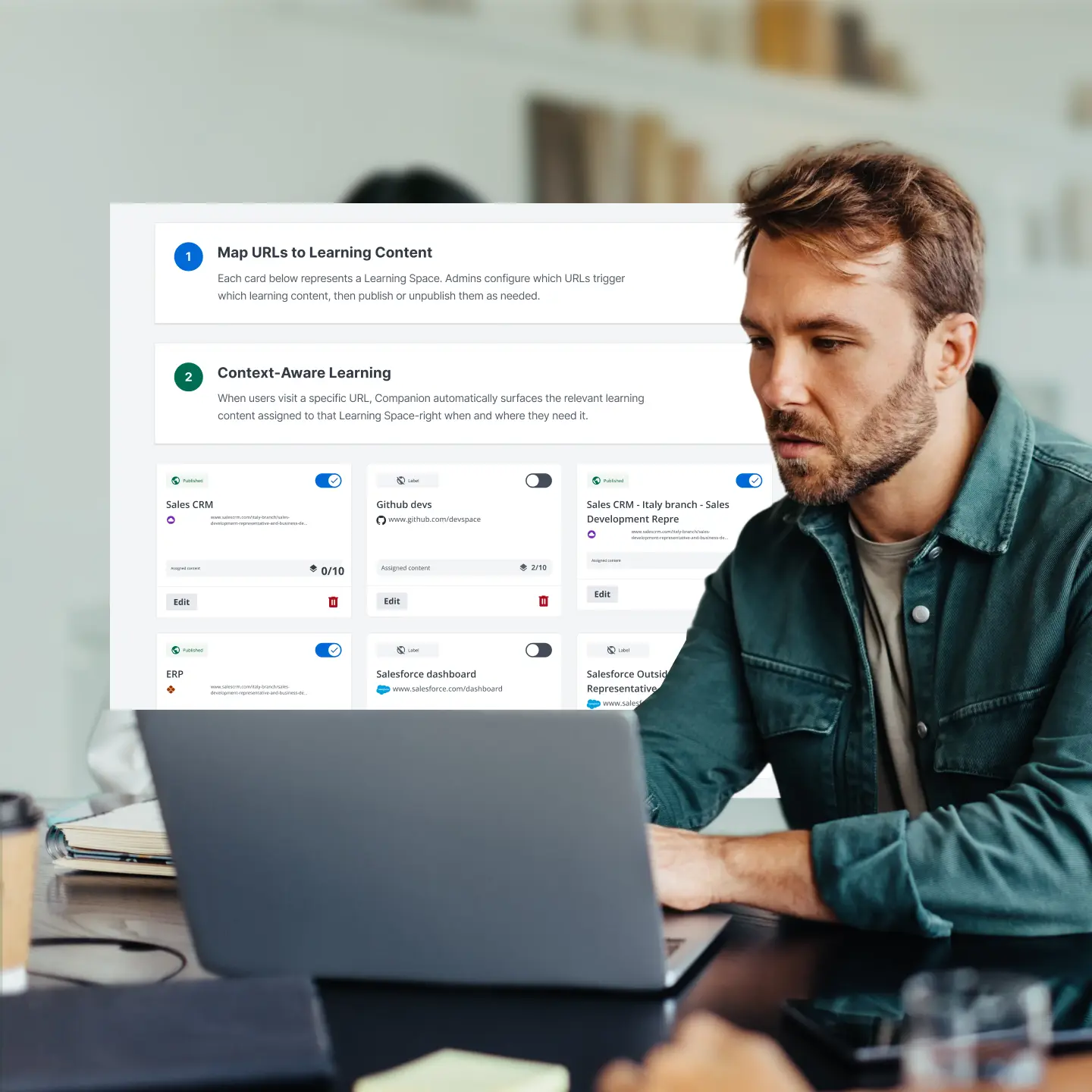
Curate a Learning Space for any URL and Companion knows exactly what to surface when a learner lands there. No integration or searching, just the right content in the right place.
AI that finds the answer the moment they ask
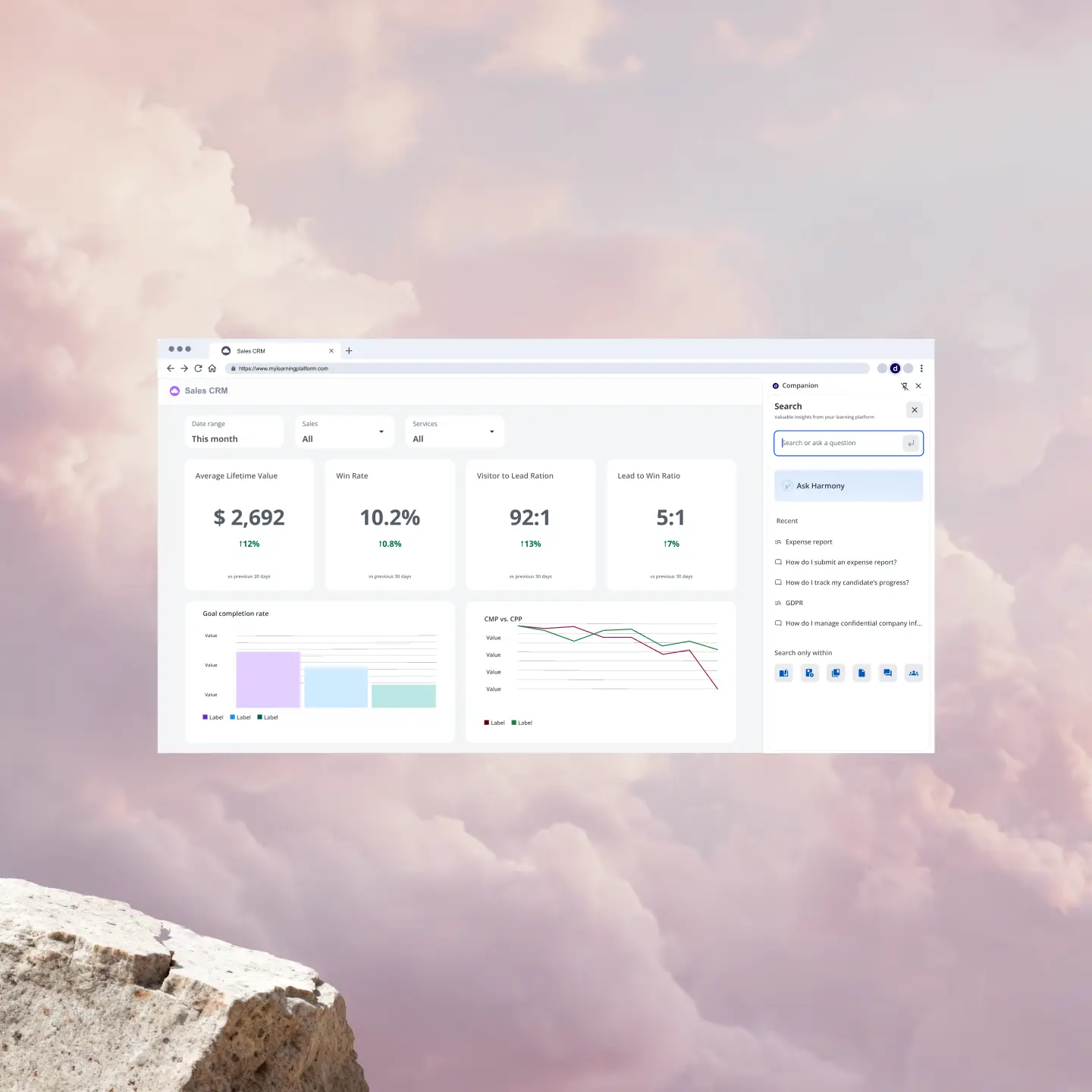
Give learners an AI-powered search and chat experience that pulls directly from your Docebo content library. Skip the LMS hunt and get the right answer inside whatever tool they’re already in.
Content that plays anywhere
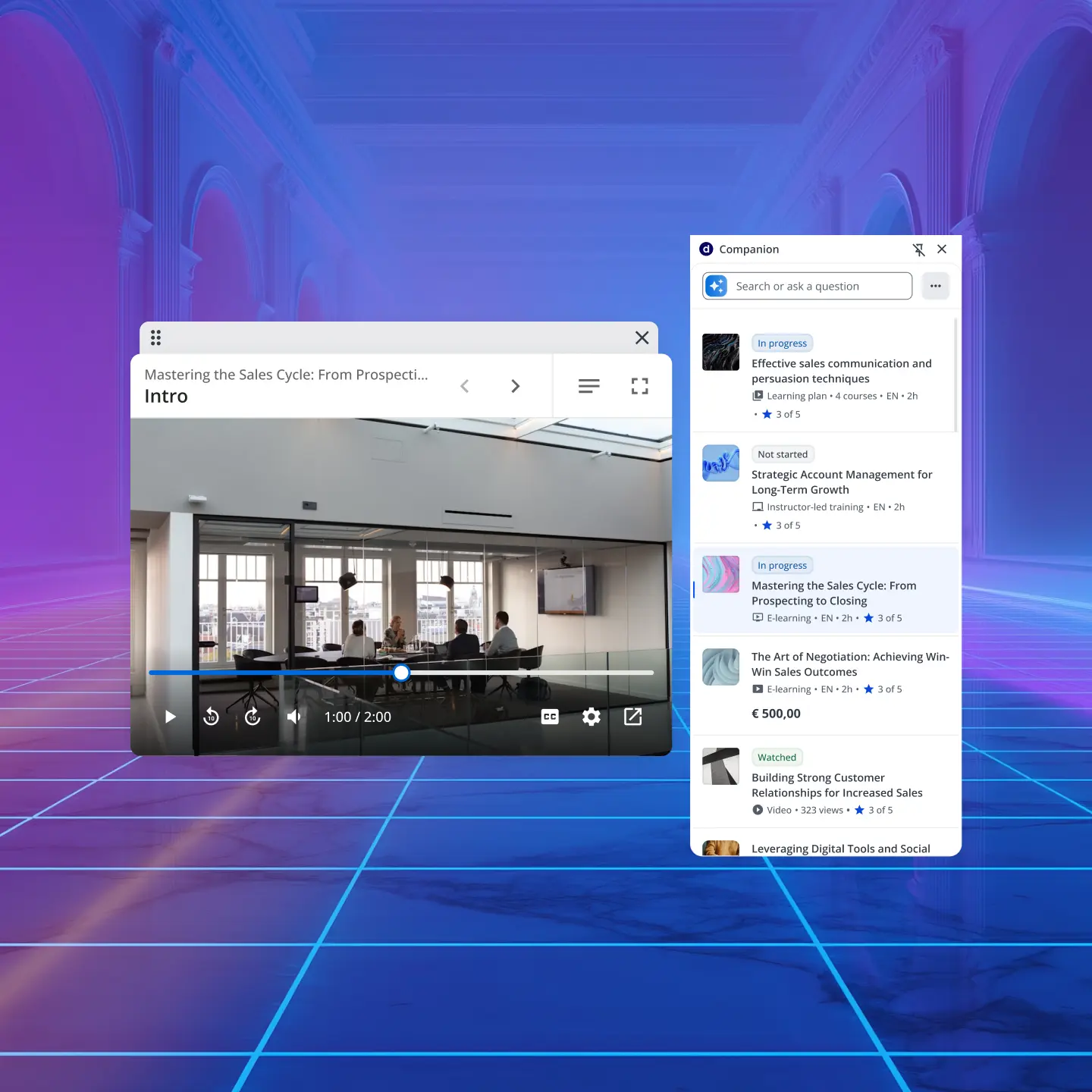
Let learners complete courses, watch videos, and track progress without leaving their current tab. Deliver training as an in-page overlay, a pop-out window, or directly in the extension, whatever fits the moment.
IT-ready in hours
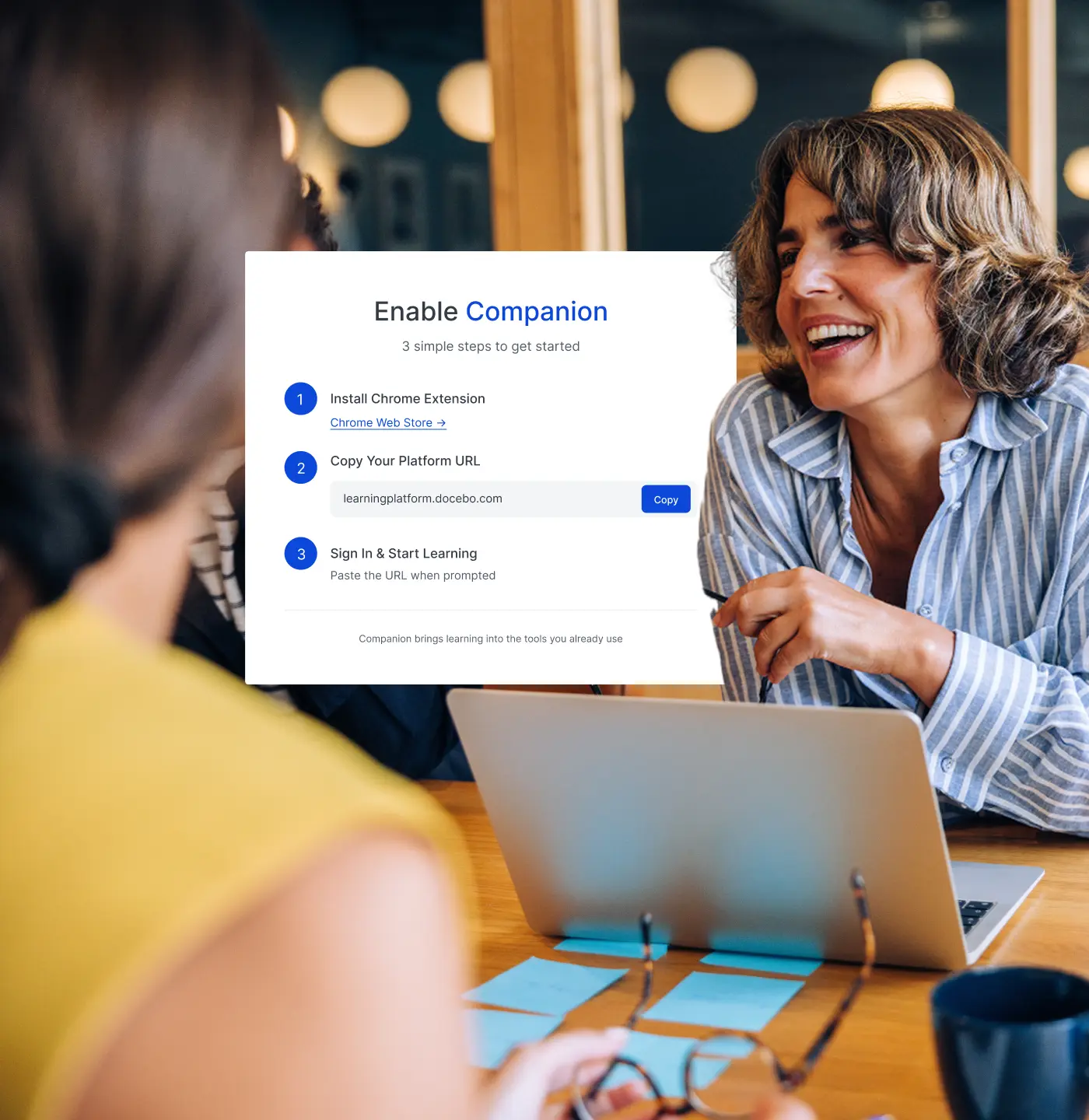
Deploy organization-wide through standard browser management tools with zero custom development. Give IT full control over where Companion is active and where it isn’t, so rollout is fast and governance stays clean.



Michael Yan
Curriculum Developer, Brooks Automation
“Our journey with Docebo has been transformative. The platform is easy to use, with powerful customization options.”
-30%
Ramp time



Chris Van Reusen
Sr. Director of Customer Education, Wrike
“We built a risk-free environment so users feel the freedom to try things. It allows them to do the best work that they can.”
+300%
Conversion rates


Global Manager of Customer Enablement
Zoom
“We built the Learning Center to empower our customers to achieve anything imaginable on Zoom.”
2,000,000
Learners


Cheney Dent
Senior Learning Platform Specialist, Booking.com
“The amount of customization that you can do within the platform is endless.”
-80%
Time spent on administration



Marta Nelson
Sr. Manager of Training and Enablement, Cloudbeds
“Docebo’s design and flexibility allow you to build a learning experience that puts what’s important to you and your customers front and center. It makes the learning experience very intuitive.”
-10%
Customer churn
Security and integrations
Stay stable, secure, and compliant




If it matters to your team, it works with Docebo


Related products
Enterprise Knowledge
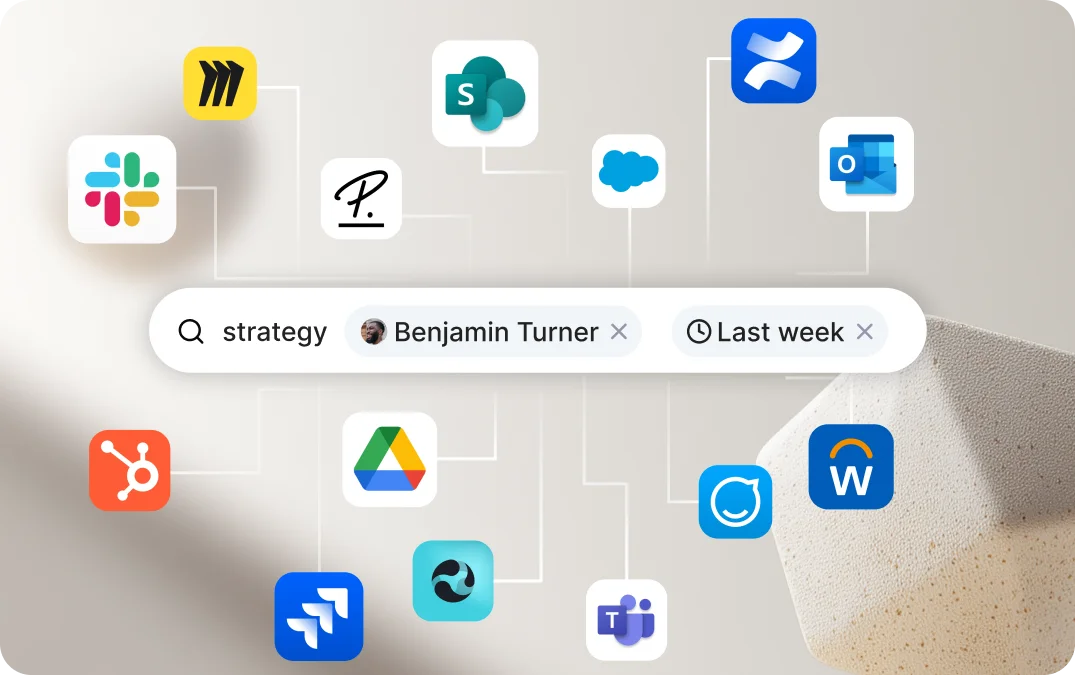
Ask once. Get answers from everywhere.
Search across Docebo, SharePoint, Confluence, Drive, Slack, and 25+ other places your org stores knowledge.
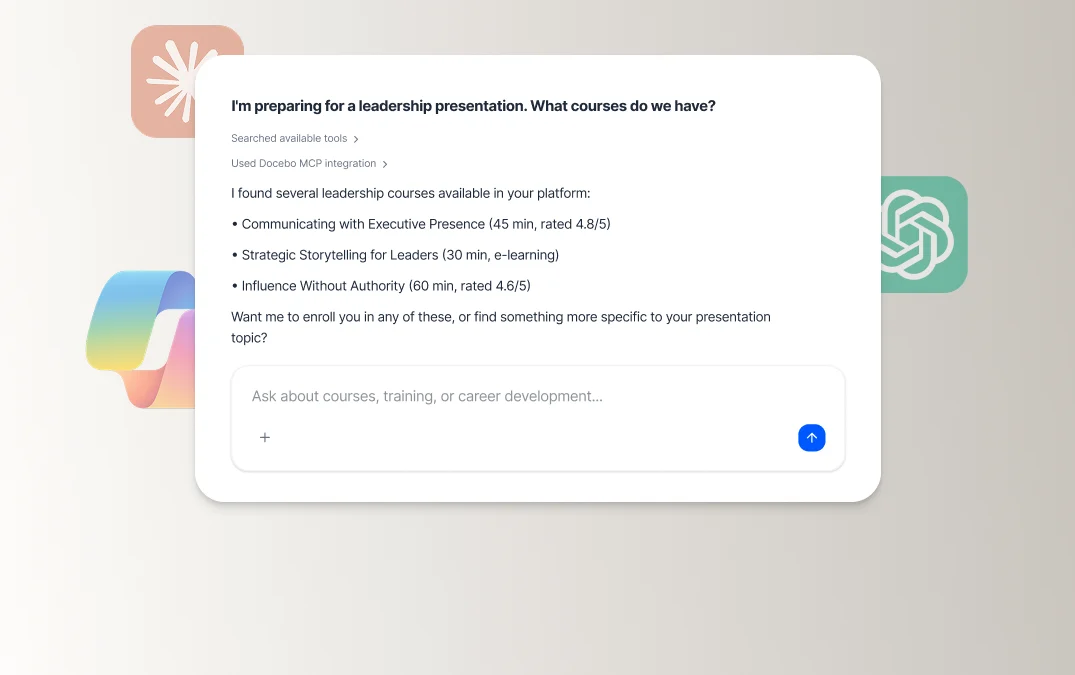
MCP Server
Your AI talks to Docebo. Docebo talks back.
Bring Docebo context and learning into the apps you use every day—and reply with MCP-compatible tools. Direct line out, direct line in.
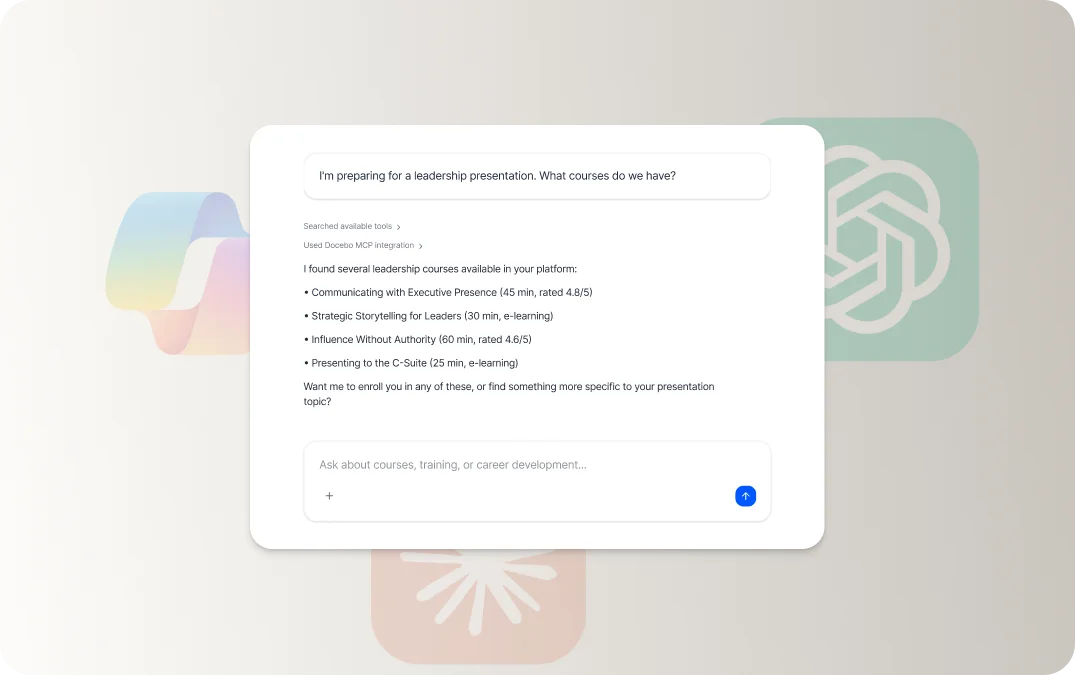
Agenthub
Agents that do the heavy lifting for you.
They read your docs, build the course, draft the assessment, and launch the campaign—on top of your existing knowledge.

Companion LMS Extension FAQs
Docebo Companion is an LMS browser extension for Chromium-based browsers that brings your Docebo learning content directly into the tools your people already use. Admins can configure Learning Spaces tied to specific URLs — when a learner visits that page, Companion surfaces relevant training, resources, and AI-powered guidance right in the browser.
No. Companion is included at no additional cost with all Docebo Learn plans. There’s no separate SKU or premium add-on required.
Companion works on any web-based application or URL — Salesforce, Gong, ServiceNow, Zendesk, your company intranet, customer portals, partner sites, and more. Admins curate Learning Spaces for the specific pages that matter most, and Companion surfaces the right content when learners land there. No integration or custom development required.
Companion includes an AI-powered search and chat experience embedded directly in the browser sidebar. Learners can ask questions in natural language and get contextual answers pulled from your Docebo content library, without ever leaving the page they’re on. Admins can enable or disable AI features independently through the AI Control Panel.
Companion uses scoped browser permissions — specifically to support contextual learning delivery. It does not track or transmit general browsing activity. All engagement data is tied to Learning Space interactions and flows back into Docebo Learn Data under your organization’s existing data governance framework. Companion operates within the same enterprise-grade security standards as the core Docebo platform, including SOC 2 compliance. Full security documentation is available for IT review upon request.
Yes. Companion can be deployed on customer-facing portals, partner sites, and community platforms to surface contextual learning without requiring a separate LMS login or portal rebuild. It’s a lightweight, AI-powered enablement layer that works wherever your audiences already are — making it a strong fit for customer onboarding, partner certification, and member education programs.