


OCTOBER 2026 PRODUCT RELEASE
Welcome to the readiness renaissance
Equip your people with the agents, skills, and knowledge they need for a new era of work.
From gap to growth, in one platform
The October release brings skills intelligence, enterprise knowledge, and AI agents together with learning management. Give your teams a clearer view of what they need to learn, the knowledge to move forward, and the support to put new skills into practice.
DETECT
See skills and career paths in real time
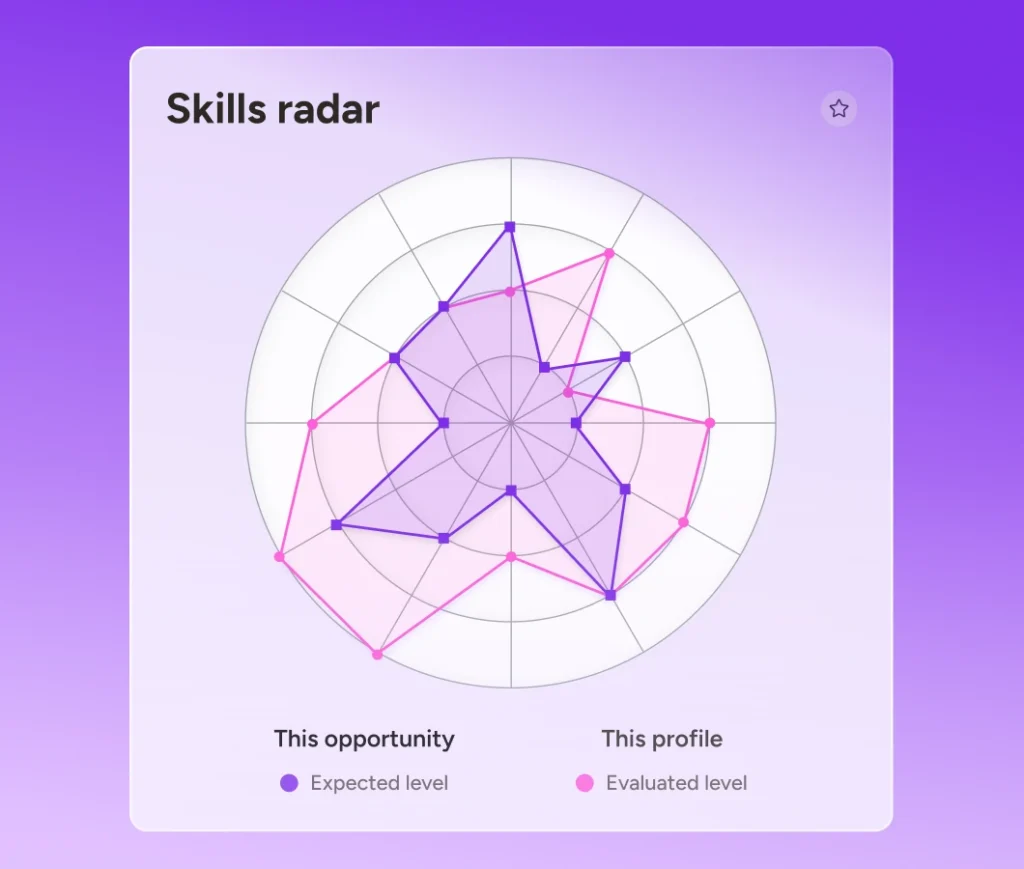
Make skills and career development part of everyday learning. With 365Talents inside Docebo, learners can explore personalized career paths and manage their skills profiles, while managers gain a real-time view of team capabilities to spot emerging gaps and guide development.
GROW
Bring enterprise answers directly into learning
Give employees faster answers to support performance and lasting capability.
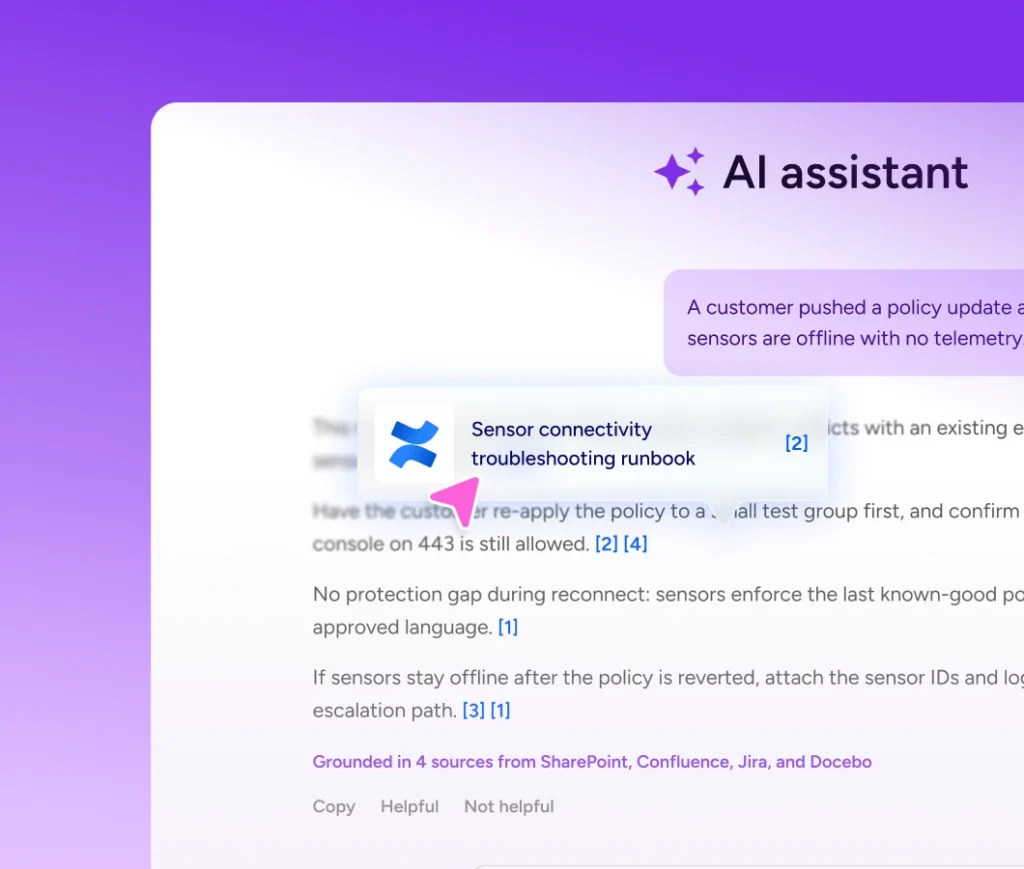
Docebo Knowledge connects enterprise tools like SharePoint, Confluence, and Google Drive with formal learning, delivering source-backed answers alongside clear pathways to the courses that build long-term capability.
VALIDATE
Prove skills. Automate certifications.
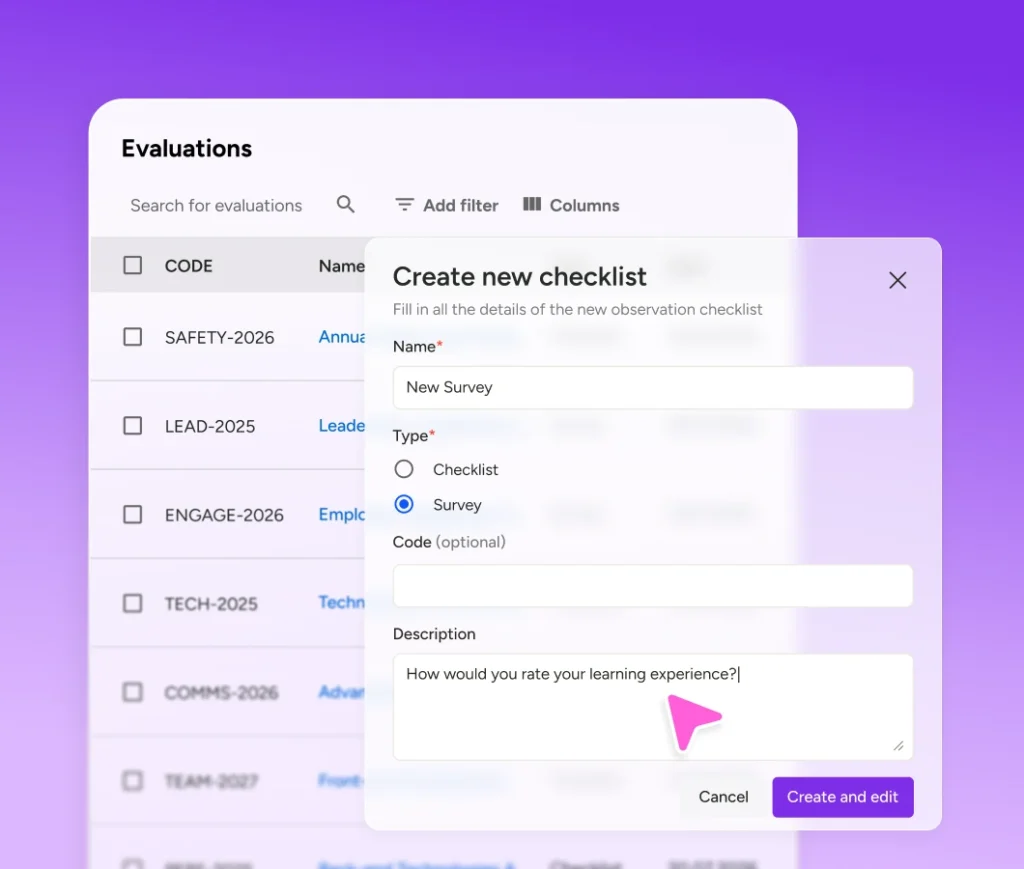
Turn practice and evaluation into evidence of readiness. Unified survey workflows help assess real-world performance, while dedicated certification objects automate expiration, renewal, notifications, and retraining rules to help keep compliance on track.
ORCHESTRATE
Keep learning moving with agents
Docebo Agents and AgentHub are officially live to automate workflows across your platform. Create custom agents or choose from four pre-built agents to handle heavy lifting—from drafting courses and sourcing content to tutoring learners and delivering post-course reinforcement.
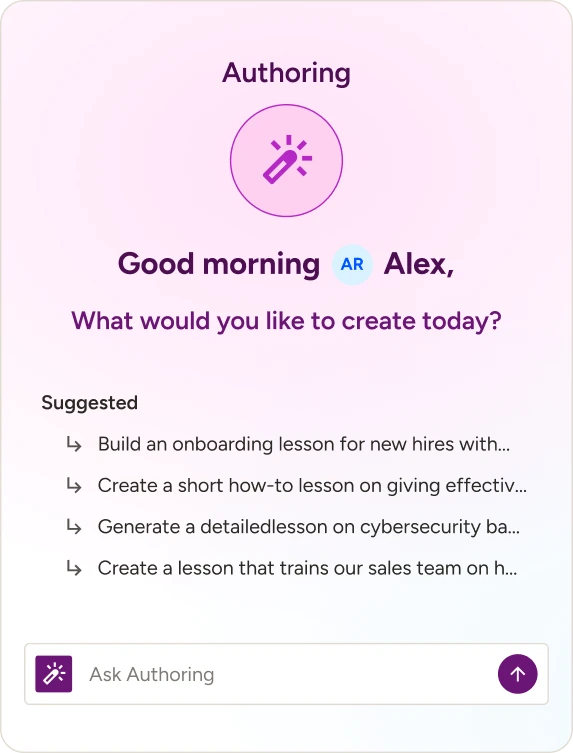
Authoring Agent
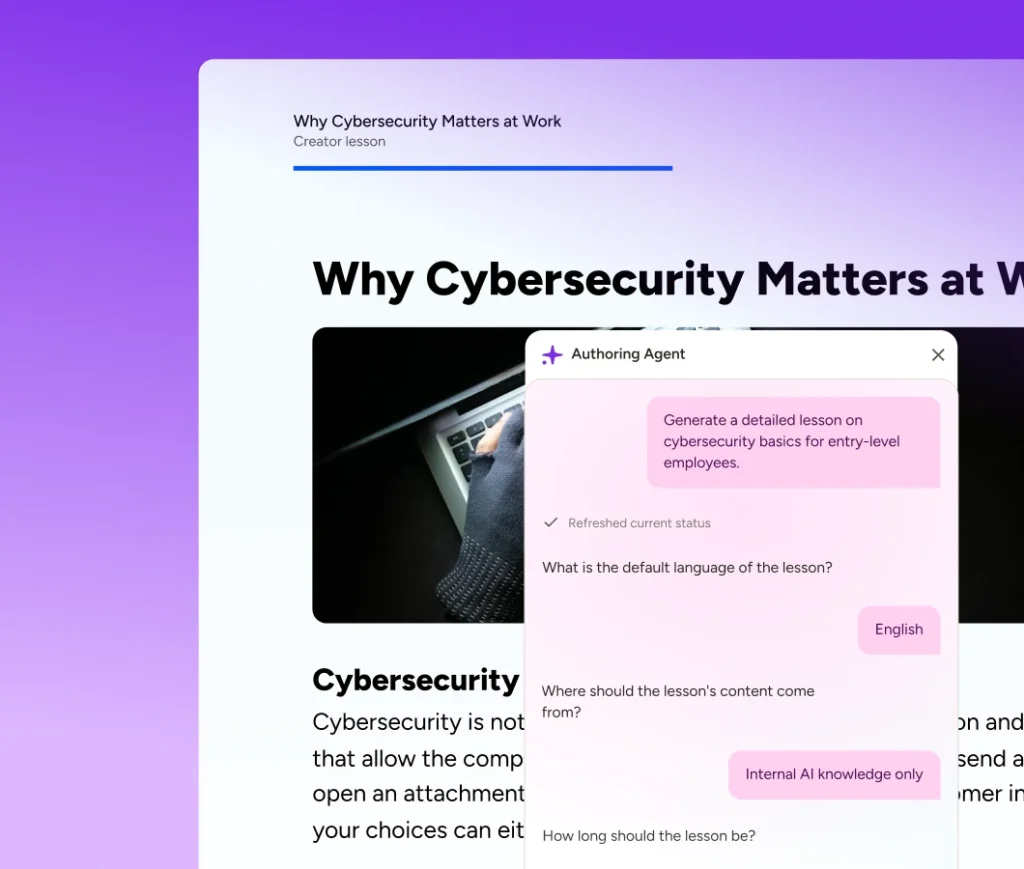
Build interactive lessons and assessments 5X faster using automated source material conversion.
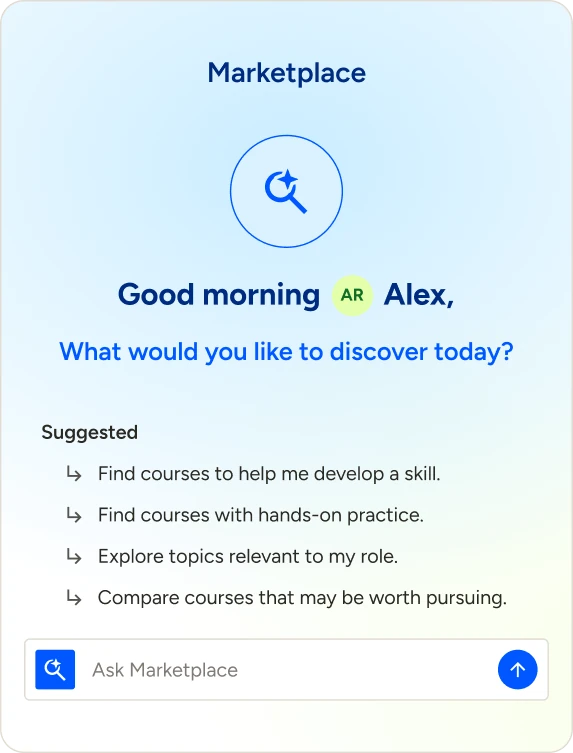
Marketplace Agent
Discover relevant content recommendations and manage retiring courses, saving 4-5 admin hours monthly.
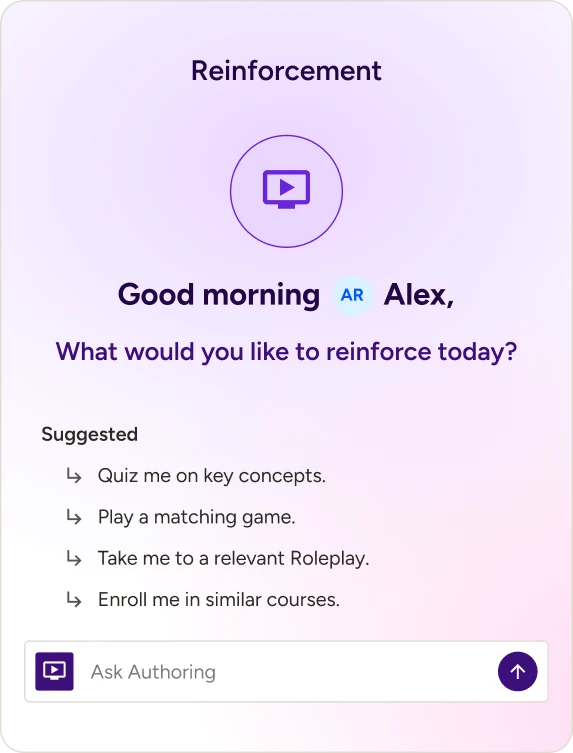
Reinforcement Agent
Send targeted practice nudges and follow-ups post-course, saving managers and admins 10+ hours monthly.
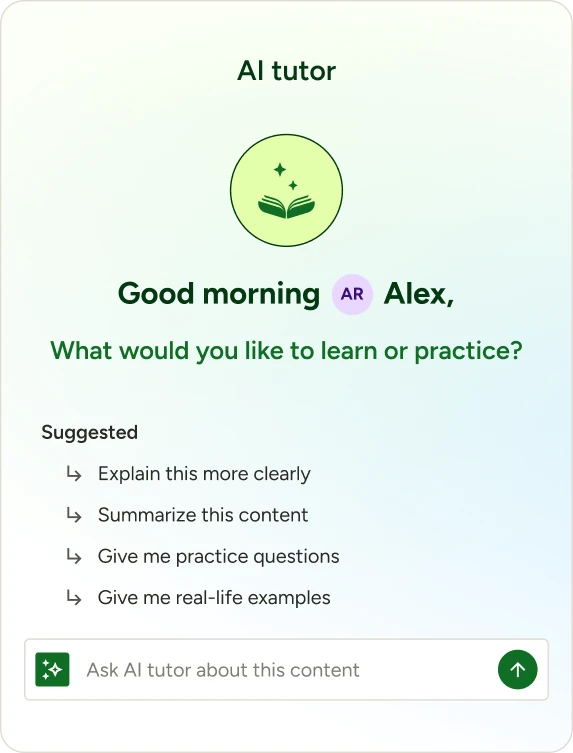
Tutor Agent
Deliver contextual, source-grounded course guidance to reduce incoming support ticket volume by 25%.
All Features
Everything released in October 2026
01
AI
Docebo Knowledge
Give teams trusted answers without searching across disconnected tools. Docebo Knowledge brings SharePoint, Confluence, and Google Drive into curated Knowledge Collections, then connects source-grounded answers to relevant courses while preserving existing access permissions.
Docebo Agents
Put routine learning work in motion without adding to the IT queue. Choose a pre-built agent or create one in AgentHub, Docebo’s no-code agent builder, then define its objective, instructions, actions, permissions, knowledge, and audience while admins control access and availability.
Authoring Agent
Turn source material into an interactive lesson without rebuilding it by hand. The Authoring Agent asks about audience, tone, and depth, then creates a structured Creator lesson with interactive screens and assessments that authors can refine with the agent inside Creator.
Reinforcement Agent
Keep important knowledge ready for the work ahead. After a supported course, Reinforcement Agent schedules personalized practice, sends an in-platform notification, and guides learners through interactive activities with feedback that builds on earlier sessions while admins configure the experience at the course level.
Marketplace Agent
Find the right learning content without searching course by course. Marketplace Agent recommends Content Marketplace courses by topic, length, provider, skills, or audience and flags imported courses nearing retirement with ranked replacements; it’s available to Superadmins with an active subscription in the new experience, beginning with Go1.
Tutor Agent
Help learners get answers and apply what they’re learning without leaving the course. Tutor Agent connects a course to a curated Knowledge Collection, so learners can ask questions grounded in course content and organizational knowledge as they move through a course or learning plan.
AI Overview in Search vs. AI Assistant
Get answers faster without using AI credits. AI Overview gives learners immediate summary in search, while presenting a deliberate path to a chat-experience AI Assistant when deeper exploration is needed. Superadmins control availability of both to keep credit consumption in check.
02
Analytics
Creator reporting dashboard
See which lessons hold learner attention and where content needs improvement. Creator reporting shows engagement with published lessons, compares completion for AI-enhanced and standard content, and tracks Creator AI tool usage so teams can improve, promote, or retire content with confidence.
Expanded additional fields
Build reports around more of the business data your teams already maintain. Expanded Additional Fields supports up to 15 User and Course additional fields across supported datasets, so teams can report by organization, compliance, workforce, and enrollment while existing dashboards continue working through the transition.
03
Companion
Targeted visibility for Companion Spaces
Show each learner the resources that matter to their role. Organize content into up to five Content Blocks, tailor each block to a group or branch, and add up to 10 items per block without creating separate Spaces for every audience.
04
Content Marketplace
Landing page update
Get to the Content Marketplace experience that matches your active subscriptions. Smart routing sends you to the right destination based on what’s enabled and moves the LinkedIn Learning connector to Add-ons and integrations.
05
Creator
Caption translation for video
Reach more learners from a single video upload. After AI generates captions in the source language, choose target languages in video settings to create synchronized .vtt files that learners can select in the lesson player.
Create tabs
Help learners move directly to the topic they need. Add and label tabs with text, images, video, and other supported elements, then reorder or update them as the lesson evolves while keeping related content together in one section.
Code block
Build custom interactions directly into a lesson. Add HTML and CSS in Creator, or upload a ZIP project, then test it in preview and configure accessibility, sizing, completion, and retry settings so required activities can gate the next screen.
Interactive process flow
Make procedures easier to follow, one step at a time. Build a three- to eight-step process flow in a horizontal or vertical layout, add supporting details and media, and require learners to view every step before completing it; mobile layouts switch to vertical automatically.
Table support in text assets
Create clear, readable tables directly in a Creator text asset. Add or remove rows and columns, merge cells, set alignment and background color, and preview the responsive table before publishing for a consistent experience across screen sizes without writing HTML.
06
Learning Management
Certifications and retraining
Keep certification and retraining requirements clear for admins and learners. Configure required learning, expiration, renewal, and retraining in one place, while learners see their status and next step; legacy certifications and historical data continue to work as before.
Improved course completion digest
Focus learners and managers on the training that needs attention now. Digests surface relevant, available courses across email, in-platform notifications, and Slack, with options to prioritize required or urgent courses, limit items, and show managers where action is needed.
Multilingual search for courses and learning plans
Help learners find courses and learning plans in the language they use. Global Search matches translated titles, short descriptions, and descriptions, prioritizing the learner’s profile language and falling back to the default language when a translation isn’t available.
Certifications metadata translation
Make certification programs easier to understand and find across languages. Translate titles, short descriptions, and descriptions manually or with AI, review them before publishing, and show learners metadata in their profile language when available while certification requirements remain unchanged.
Azerbaijani language support
Give Azerbaijani-speaking learners access to Docebo, the Mobile App, and Creator in their preferred language. Superadmins can enable Azerbaijani and manage translations in the Localization Tool, helping more learners access training in the language they use.
Haitian Creole language support
Give Haitian Creole-speaking learners access to Docebo, the Mobile App, and Creator in their preferred language. Superadmins can enable Haitian Creole and manage translations in the Localization Tool, helping more learners access training in the language they use.
Persistent login and session continuity
Reduce interruptions when learners return to training across Docebo web, the Mobile App, and Companion. Admins manage extended sessions in Advanced Settings; Mobile App sessions can last up to 28 days with Remember Me, Companion keeps learners signed in for 28 days, and security checks continue to apply.
07
MCP
Team enrollments tool
Give managers a quick view of team enrollment progress through the AI assistant they already use. With the Docebo MCP Server, managers can ask who is enrolled or which team members haven’t completed a course and receive authorized enrollment data.
System to System Authentication
Extend Docebo MCP capabilities to AI agents, backend services, and scheduled workflows. Superadmins can connect Docebo capabilities into other external applications securely so users can run automated, headless workflows while maintaining the permissions of the users they act as.
08
Mobile Learning
Community navigation in the Mobile App
Help learners find what they need in Community on the Go.Learn mobile app. From any Community page, learners can open the navigation menu to move between areas and view their profile, even before they’ve posted.
09
Observation Checklists
Surveys in Observation Checklists
Manage surveys and Observation Checklists in one evaluation experience. Preview surveys before publishing, track versions, and assign them through schedules or as course training materials, bringing LMS Survey, Learning Evaluation, and Observation Checklists closer together.
Survey notification update
Make new survey assignments easier to find and complete. When a survey is assigned through an Observation Checklists schedule, learners receive an in-platform or email notification with a direct link managed in the existing Observation Checklists category.
Surveys: Anonymous Collection
Give respondents the confidence to share honest feedback. Decide how a respondent’s identity is handled for each survey schedule, whether it should remain confidential or be connected to individual respondents.
10
Roleplay
Roleplay as a standalone (early access)
Create, edit, and manage simulations from a dedicated library under Content, without opening Creator. Import simulations as training materials and assign them to courses, while simulations built in Creator continue to work and can still be added to Creator lessons.
Simulation Pools
Give groups and branches a defined share of your simulation budget. Create named pools with individual budgets and assign each pool to a specific group or branch, so one team can’t use the full allocation.
11
Skills
Course-to-Skills Proficiency Mapping
Turn learning content into actionable skills intelligence without manual tagging. AI automatically identifies relevant skills from course titles and descriptions and maps them to your organization’s skills framework, helping employees understand what skills each course develops and easily add them to their profiles.
12
Training Materials
Copy to clipboard
Let learners reuse information from interactive SCORM courses without leaving the Course Player. Properly configured copy actions now work as expected, so learners can copy code, references, and other materials without workarounds.
New upload flow: file enhancements
Upload training files in batches and keep working while Docebo processes them. In Content Center or Training Materials, select up to 20 files of up to 2 GB each, choose a destination folder, and track upload, scan, and processing status with clear errors and retry options where supported.
New upload flow: video enhancements
Keep video uploads moving while you work elsewhere in Docebo. In Content Center or Training Materials, select up to 20 videos, choose a destination folder, and track each file’s upload and processing progress in the persistent Upload Manager.
SCORM session expiry recovery
Help learners resume SCORM training after their LMS session expires. A Course Player notice prompts learners to sign in again and returns them to the same point in the course, so they can continue without refreshing pages or searching for their place.
Recent releases
-

July 2026
Docebo’s July 2026 release makes readiness something you can prove: AI Roleplay rubrics with manager review, a rebuilt Content Marketplace, and MCP Server GA.
-
April 2026
See how Docebo expanded learning into everyday workflows with Companion, AI Tutor, MCP Server, and more.
-
January 2026
Explore the new immersive AI Video Coaching alongside major Harmony, analytics, and platform enhancements.