


AI Authoring Tool
Build training your learners won’t skip.
Creator turns any idea, document, or prompt, into a lesson built directly in Docebo for your learners to use.















Your workforce can’t wait for your content backlog. And learners deserve better than another wall of text.
We built Creator so you can stop stitching tools together.
One platform instead of four
Creator brings course building, video, voiceover, and translation inside Docebo, so authoring, delivery, and learner data stay connected. No separate licenses to renew.
Build, translate, and update content at scale
Start from any document or prompt, then translate it. Every version stays connected, so updating content across languages doesn’t mean starting over.
From course to capability with practice built in
Assessments that test retention. Games that drive recall. And Docebo Roleplay lets learners practice real scenarios with instant feedback.
How Creator Works
From idea to published course in four steps.
Whether you’re an instructional designer scaling output or a SME contributing expertise, here’s how a lesson goes from idea to published.
1
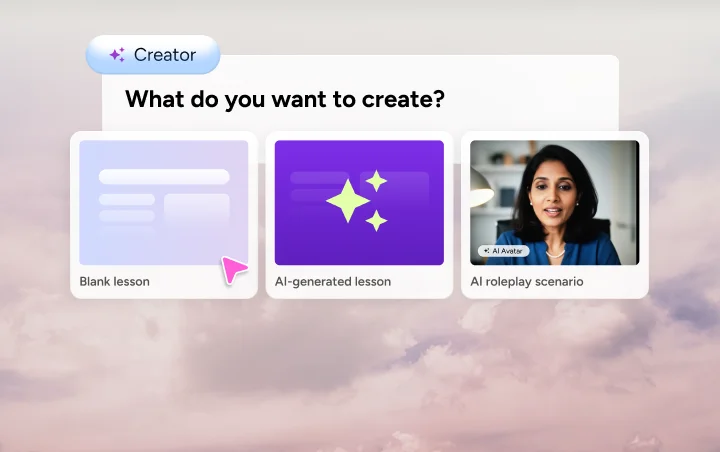
Start with anything
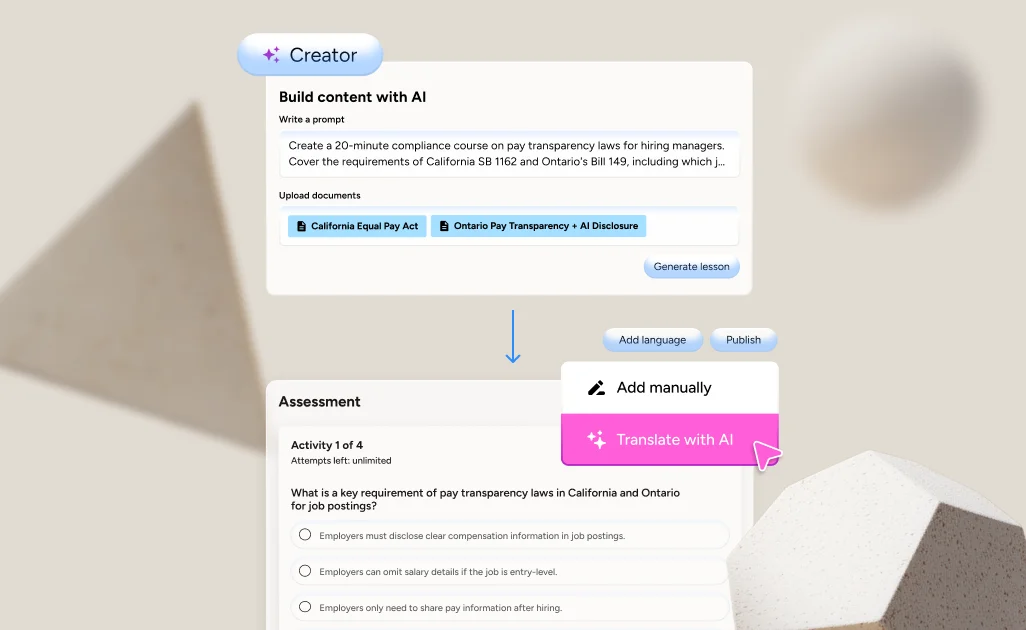
Open a blank page or drop in a document or prompt. Creator generates a structured course with lessons, images, and knowledge checks.
2
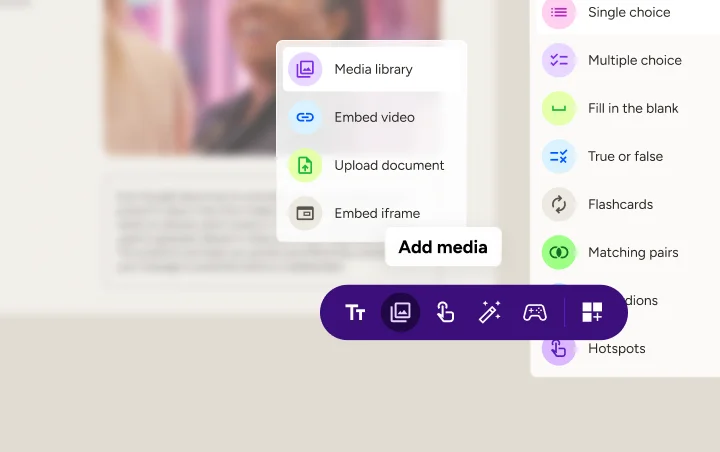
Refine and enrich
Shape your course in a drag-and-drop canvas. Add video, voiceover, accordions, hotspots, assessments and game-based challenges.
3
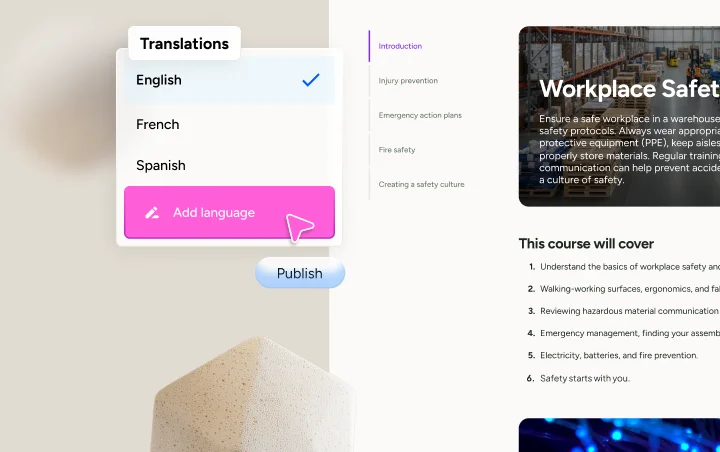
Translate and publish
Then translate any lesson into 46 languages in one click, with instructional design preserved. Publish to Docebo or export as a SCORM package.
4
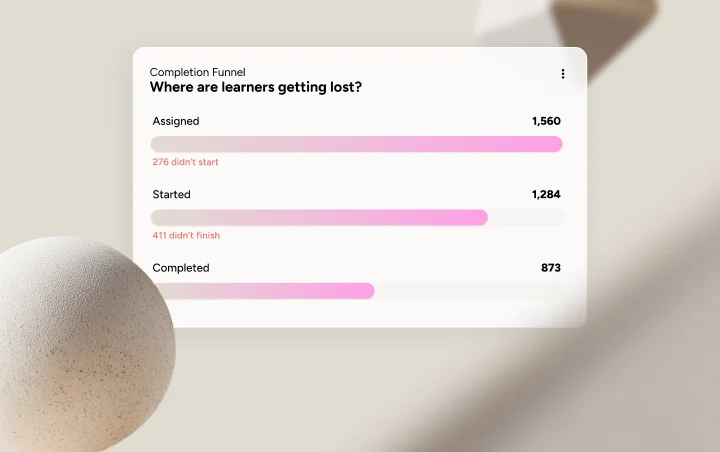
Track and improve
Learner data flows back into the same platform. See what’s working, what’s not, and iterate without stitching together reports from other tools.
What’s new
Creator just got better
Three new capabilities your learners will notice and one that’ll save you hours.
Lesson Narrator
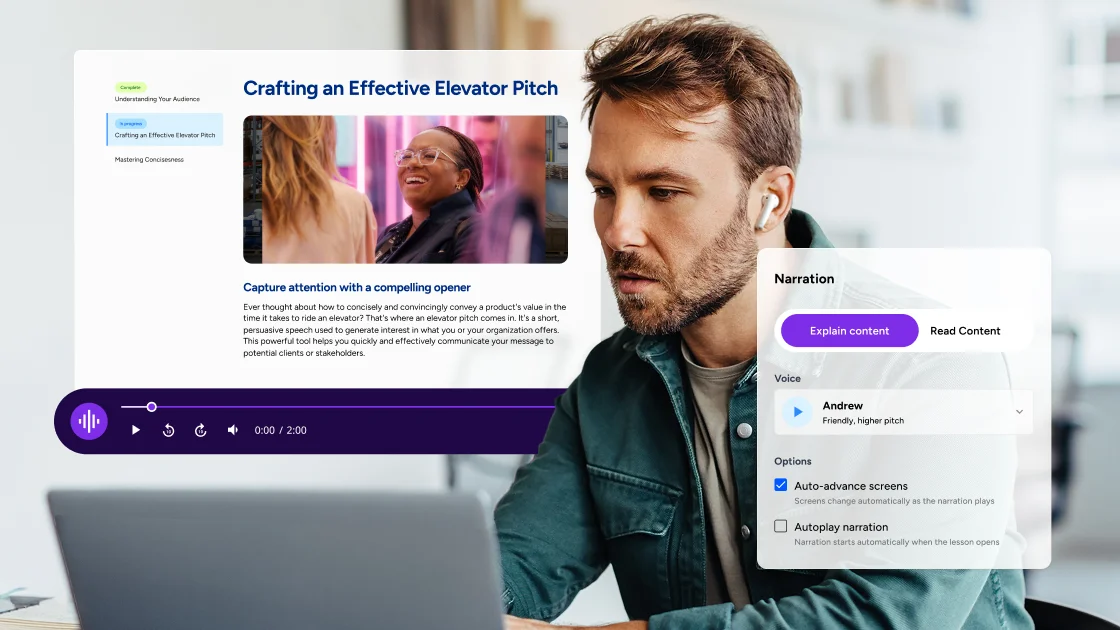
For learners who’d rather listen than read
Add AI voiceover to any lesson, with no production overhead. Drivers, field teams, and anyone learning on the go can listen on a locked screen.
Assessment Controls
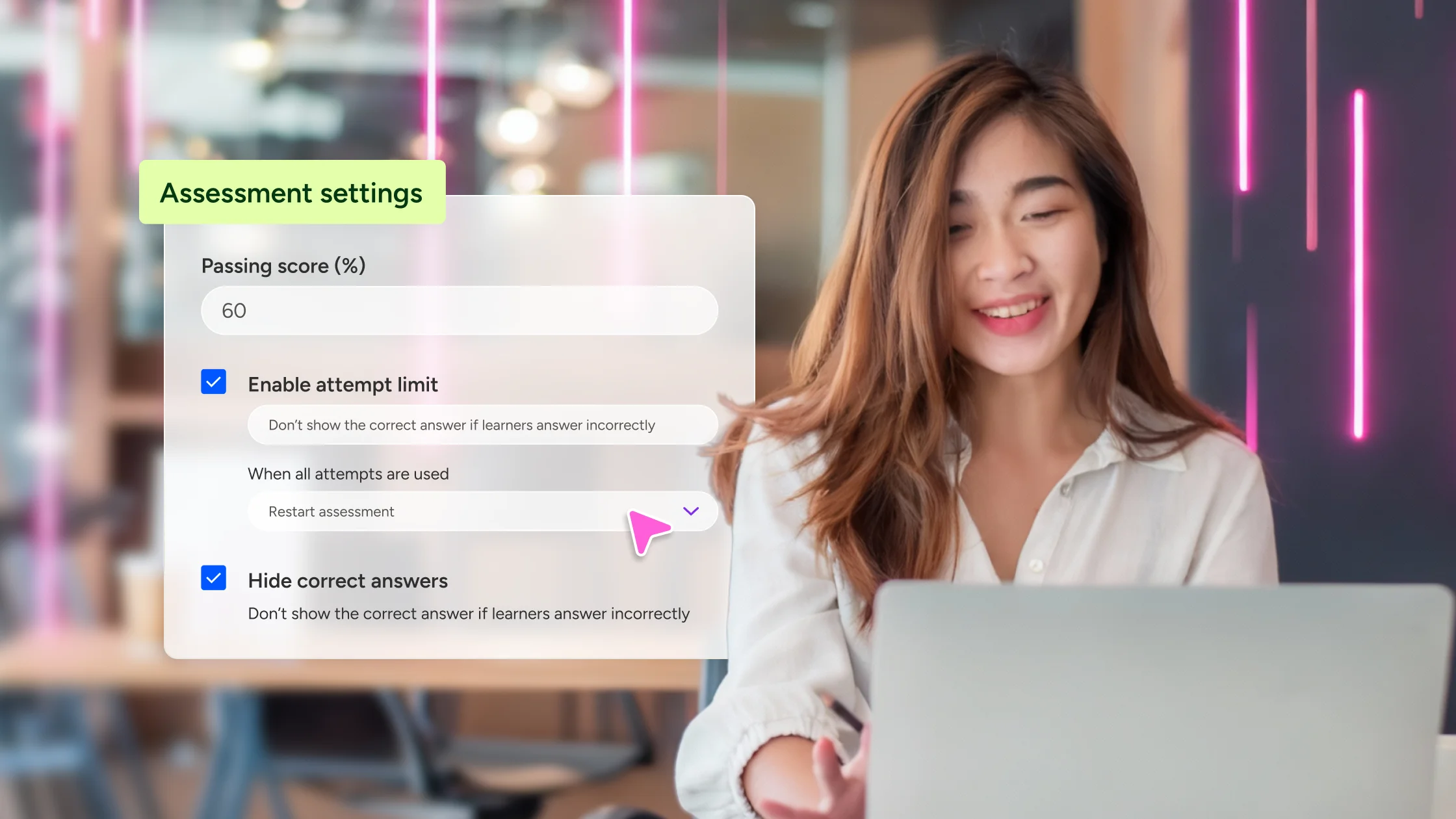
When the score really matters
Creator assessments are now yours to shape. Set a passing score, cap attempts, and control the feedback learners see, all from one settings panel.
Reusable Themes & Branding
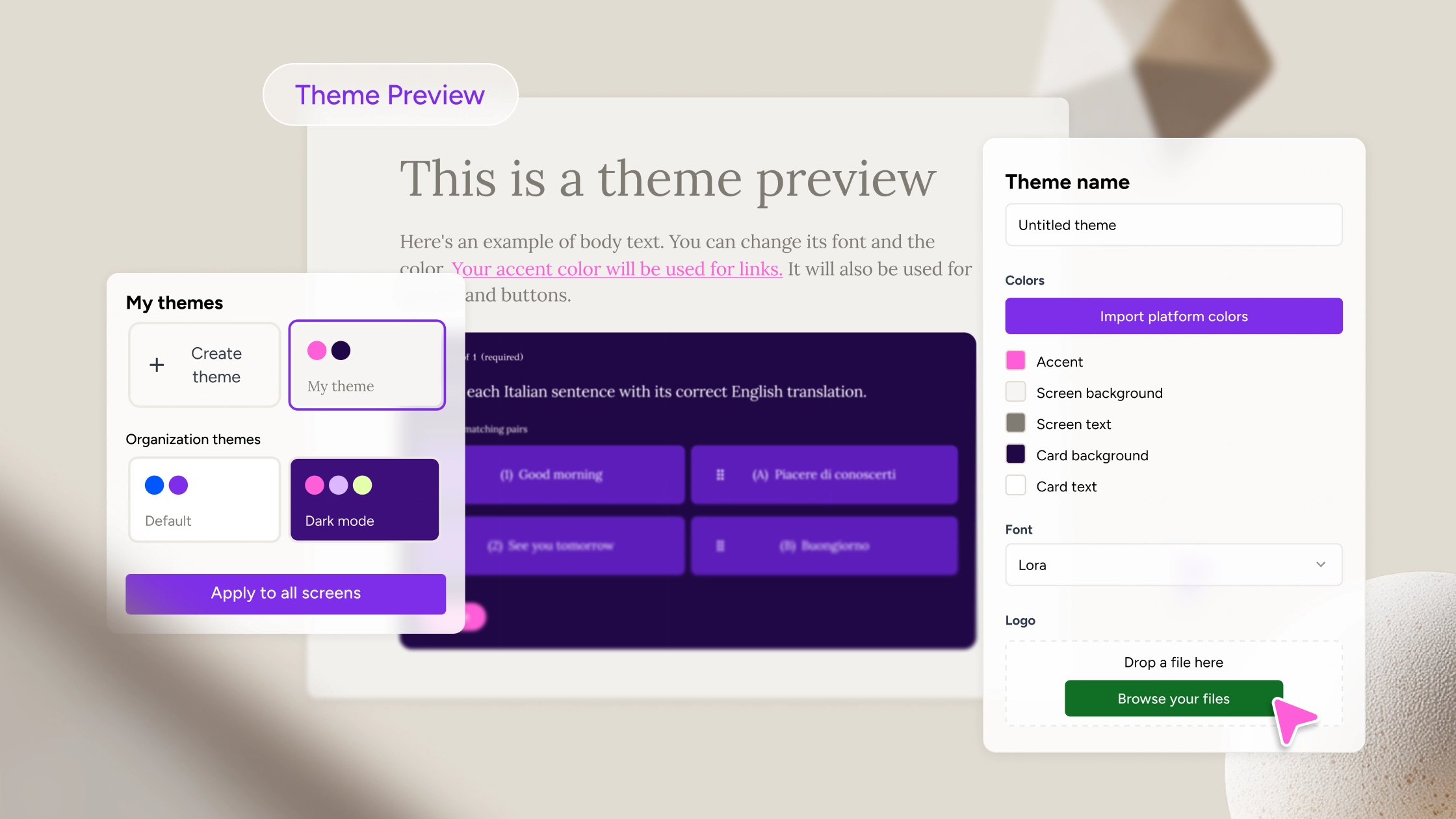
Your brand, on every lesson
Set your colors, fonts, and logo once, then apply that theme across every lesson. Change it later and your whole library follows.
Also coming to Creator
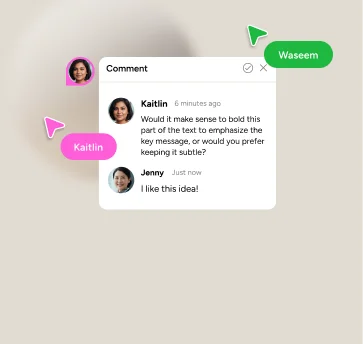
Multi-user Collaboration
One workspace for everyone
Co-author lessons in real time with role-based permissions, threaded comments, and version history.
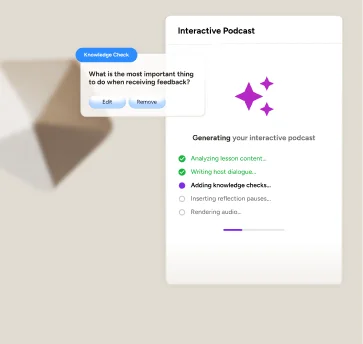
Interactive Podcasts
Your lessons as a conversation
Turn any lesson into a conversational AI podcast with embedded knowledge checks and learner Q&A.
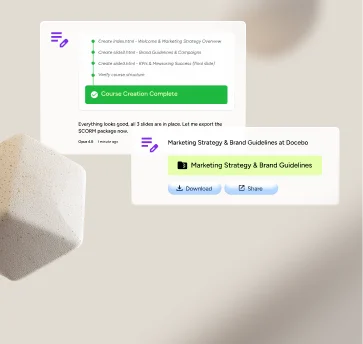
Authoring Agent
AI that does the work, not just the writing.
Agents that draft lessons, audit existing content, review for tone and brand, and architect learning paths.


Cheney Dent
Senior Learning Platform Specialist, Booking.com
“The amount of customization that you can do within the platform is endless.”
-80%
Admin overhead



Michael Yan
Curriculum Developer, Brooks Automation
“Our journey with Docebo has been transformative. The platform is easy to use, with powerful customization options.”
-20%
Reduced training costs



Suzan Haizlip
VP of Learning and Performance Operations Manager, MidFirst Bank
“We’ve achieved and grown so much with Docebo; I just can’t imagine not having that platform.”
+100%
Learning content

Top 10 U.S. Bank

Senior Learning Manager
Top 10 U.S. Bank
“Watching an employee go from answering customer calls to engineering software—that brings me great joy.”
+75%
Traffic to top courses



Alex Lapthorne
Global Head of Training, Disguise
“I want to be able to design a system that works for my users and what their needs are. And Docebo allows us to do that.”
53
NPS for training
Find your use case
L&D and Compliance Teams
New compliance regulation drops within a 60-day window. Your L&D team has a 6-week backlog.
Upload the regulatory document and Creator drafts a structured course with assessments your compliance officer can refine in hours, not weeks. Plus, one-click translation covers your global workforce before the deadline.
Sales Enablement and Marketing Teams
New product launching in 2 weeks and there’s not enough bandwidth to build training.
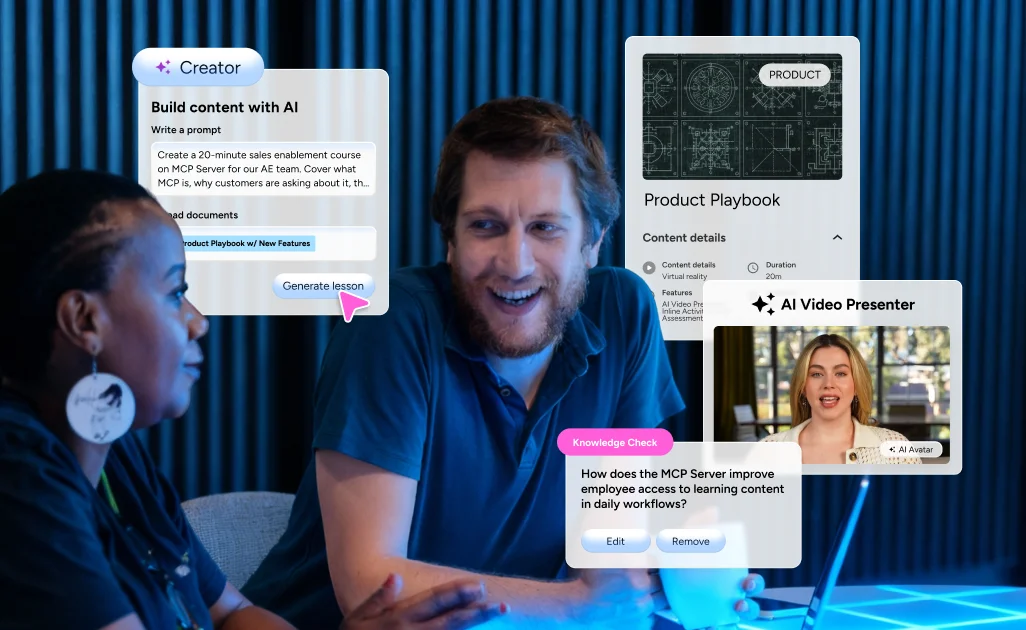
Upload your product brief and Creator generates structured lessons, knowledge checks, and an AI video presentation. Refine, publish, and get reps up to speed before launch day.
L&D and Global HR Teams
Expanding into 3 new markets and your translation agency takes 4-6 weeks.
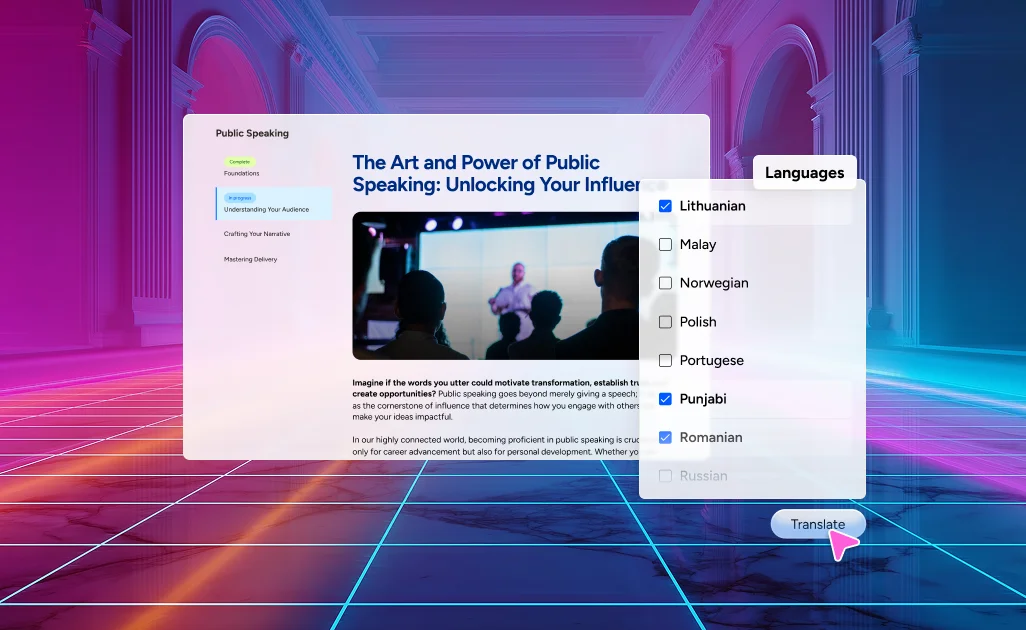
Open any existing course in Creator and translate it into every language your markets need, preserving instructional design and brand voice. Regional leads review and adjust for local context, and all markets launch simultaneously.
L&D Team
Your team is building courses outside your LMS.
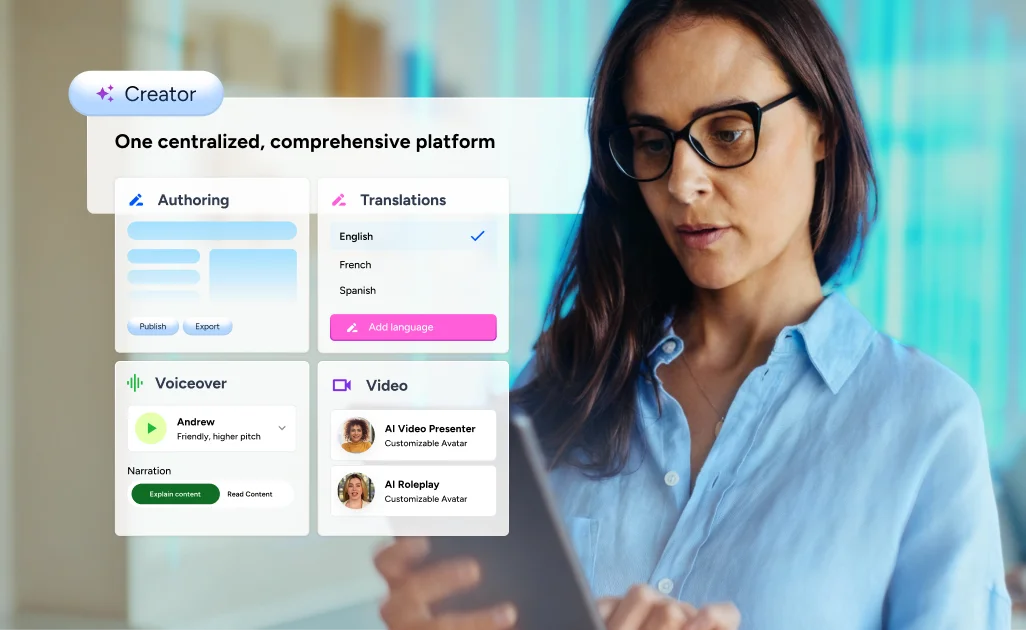
Creator brings authoring, translation, video, and voiceover inside Docebo, meaning no separate licenses or switching between platforms. Built on the enterprise foundation L&D teams deploy at scale, with group logic, notification depth, and integrations that hold up beyond demo day.
Features
Everything you need to build, ship, and scale.

AI content builder
Turn prompts, PDFs, and docs into structured courses with lessons and knowledge checks.

Lesson narrator
Generate a narration script automatically. Select a voice and publish audio that your learners can listen to anywhere.

Media library
Upload, organize, and reuse images, video, and audio across courses.

Translation
One-click localization across 45 languages. Context and brand voice preserved, not just words swapped.

Assessment controls
Set passing scores, attempt limits, and feedback rules.

Auto-generated assessments
Knowledge checks like multiple choice, true/false, fill-in-the-blank generated from your sourced material.

Creator games
Choose from seven game types including scenarios, crosswords, and Wordle to include in lessons.

AI video presenter
Turn any script into a lifelike avatar video in seconds with no camera or production.

Hotspots and flashcards
Tap-to-reveal interactions for visual content and spaced-recall flashcards for memorization.

Matching activities
Drag-and-drop pairing for vocabulary, processes, and concept association.

iFrame embed
Embed any web content directly into Creator lessons, without exports or workarounds.

Templates
Pre-built lesson structures designed for corporate learning. Start fast, customize as you go.

Drag-and-drop editor
Place and rearrange text, images, video, and interactions visually.

Screen duplication
Copy any screen in a single click with layout, elements and interactions intact.

AI Image generation
Pulls images from your uploaded documents and adds new ones automatically to fill visual gaps.

Alt text revision
Rephrase, expand, or summarize any block of content in a click.

Real-time preview
View exactly what learners see, on any device, before publishing.

Accordions
Collapsible content sections that keep dense material organized without overwhelming the screen.

App localization
The Creator interface is available in English, French, Italian, Spanish and German.

SCORM export
Export to SCORM 1.2 or 2004 with language-specific, screen order, and all activities intact.

Lesson navigation control
Choose whether learners move freely through a lesson or must complete each screen sequentially before advancing.

Versioning
Drafts stay drafts until you publish. No accidental rollouts.

Reusable themes and branding
Set your brand colors, fonts, and logo once, then apply to any lesson.
Security and integrations
Stay stable, secure, and compliant




Integrate with ease. No import/export friction.



Related Products
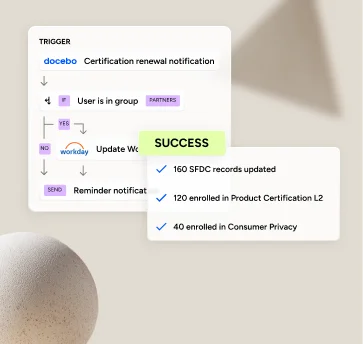
Learning Management
Make learning effective in half the time.
The AI-powered LMS that makes every admin’s life easier and every learner’s experience better through automation and less manual work.
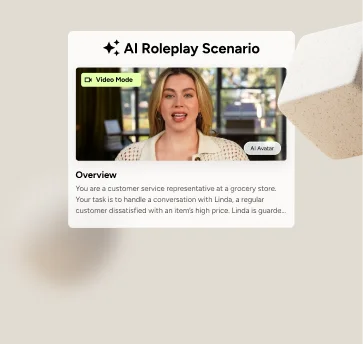
AI Roleplay
Practice before it counts.
Learners rehearse high-stakes conversations through voice, chat, or video and get instant, personalized feedback to improve.
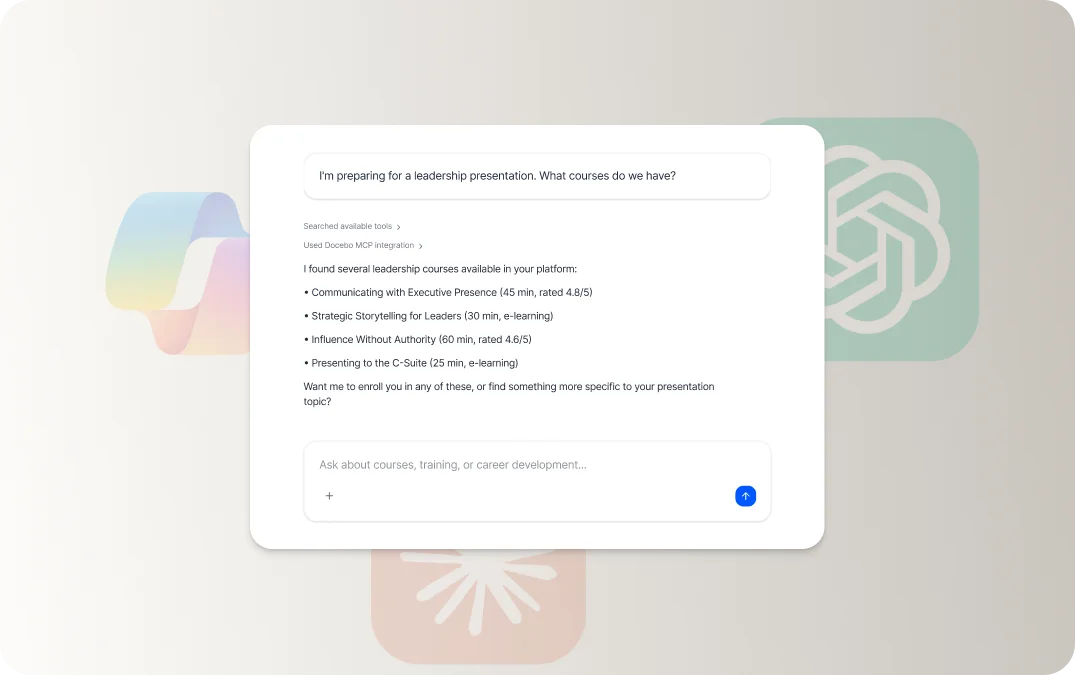
Agenthub
Agents that do the heavy lifting for you.
They read your docs, build the course, draft the assessment, and launch the campaign—on top of your existing knowledge.

Creator Frequently asked questions
Exact time savings will depend on the complexity of the project and the scope of material to be created. Creator provides robust support for generating interactive assessments and multimedia activities, enabling instructional designers and SMEs to create personalized, customized e-learning courses quickly and at scale.
Once you’ve generated content, editing is simple too. Creator offers a user-friendly, drag-and-drop interface, enhanced with AI-powered features to rephrase, rewrite, expand and translate your content.
Yes, and across every step of the authoring workflow. Start from a prompt, document, or both, and Creator drafts a structured course with lessons, images, and knowledge checks. AI writing tools rephrase, expand, or summarize any block of content inside the editor, and assessments auto-generate from your source material. One-click translation then covers 46 languages while preserving structure and formatting so localized versions are easier to review, manage, and publish.
Creator generates knowledge checks from your lesson content, including single choice, multiple choice, true/false, matching pairs, and fill-in-the-blank, with control over activity type and quantity. Creator Games adds branching scenarios, crosswords, Wordle, and four other formats that return score, attempt, and pass/fail data natively to Docebo. Completion status and assessment scores flow back into the platform today, with question-level performance and pass-rate trends on the roadmap.
Creator supports SCORM 1.2 and SCORM 2004 export. In the future, Creator will support xAPI and PDF for export into other systems.
Yes. Lesson Narrator generates an AI voiceover for a whole lesson or screen by screen. Authors can pick a voice and edit the script per screen and the narration inherits the lesson’s language automatically. Learners can listen on the road, with the screen locked, or while multitasking.
Yes. Creator Games lets authors embed seven game types including Wordle, crossword, branching scenarios, timeline, true/false, guess the word, and squares directly into the lesson. Scores, attempts, and pass/fail data return to Creator for tracking.
Translate any lesson into 46 languages in one click, with instructional design and brand voice preserved across versions. Every translation stays connected to the source, so updating content across languages doesn’t mean starting over. Learners select their preferred language directly in the course player when translated versions are published, and Lesson Narrator inherits the lesson’s language automatically, so audio narration matches localized text with no separate setup. Access the full list of supported languages here.
Creator is built natively inside Docebo, so authoring, delivery, and learner data live in one place. For content that needs to live outside Docebo, SCORM 1.2 and 2004 export ships with every lesson, and iFrame embed brings external web content directly into a lesson without workarounds. Activity-based automation across external systems is not part of Creator today. Broader export and reporting capabilities are continuing to evolve.
Yes. Creator is built to meet enterprise security and data privacy standards. It operates within Docebo’s trusted environment and respects all user roles, data access levels, and governance requirements. Content added to the platform remains secure and your data never trains our models.
These links have you covered:
- Our Trust Center includes information on security, transparency, and human oversight.
- Visit AI Settings to learn about the fine control we give customers over how our AI tools work with their systems and data.
- Our AI FAQs dive deeper into common questions about Docebo’s AI features.
AI is used for much more than just content creation. Docebo already uses trusted AI models and specialized algorithms to recommend content to learners, optimize our platform-wide search capabilities, and help automate the mundane parts of running a learning program, like metadata management.
Docebo’s AI team includes dedicated AI and education experts that take the time to test a variety of prompts and models, while only implementing system-wide prompts and models that provide pedagogically-sound output. It would take the average user a ton of time to achieve similar results on their own and maintain their library of prompts as new models emerge over time. We also use a variety of models to ensure that you have access to the best technology, not just the most popular models.